Everyone’s true compact camera
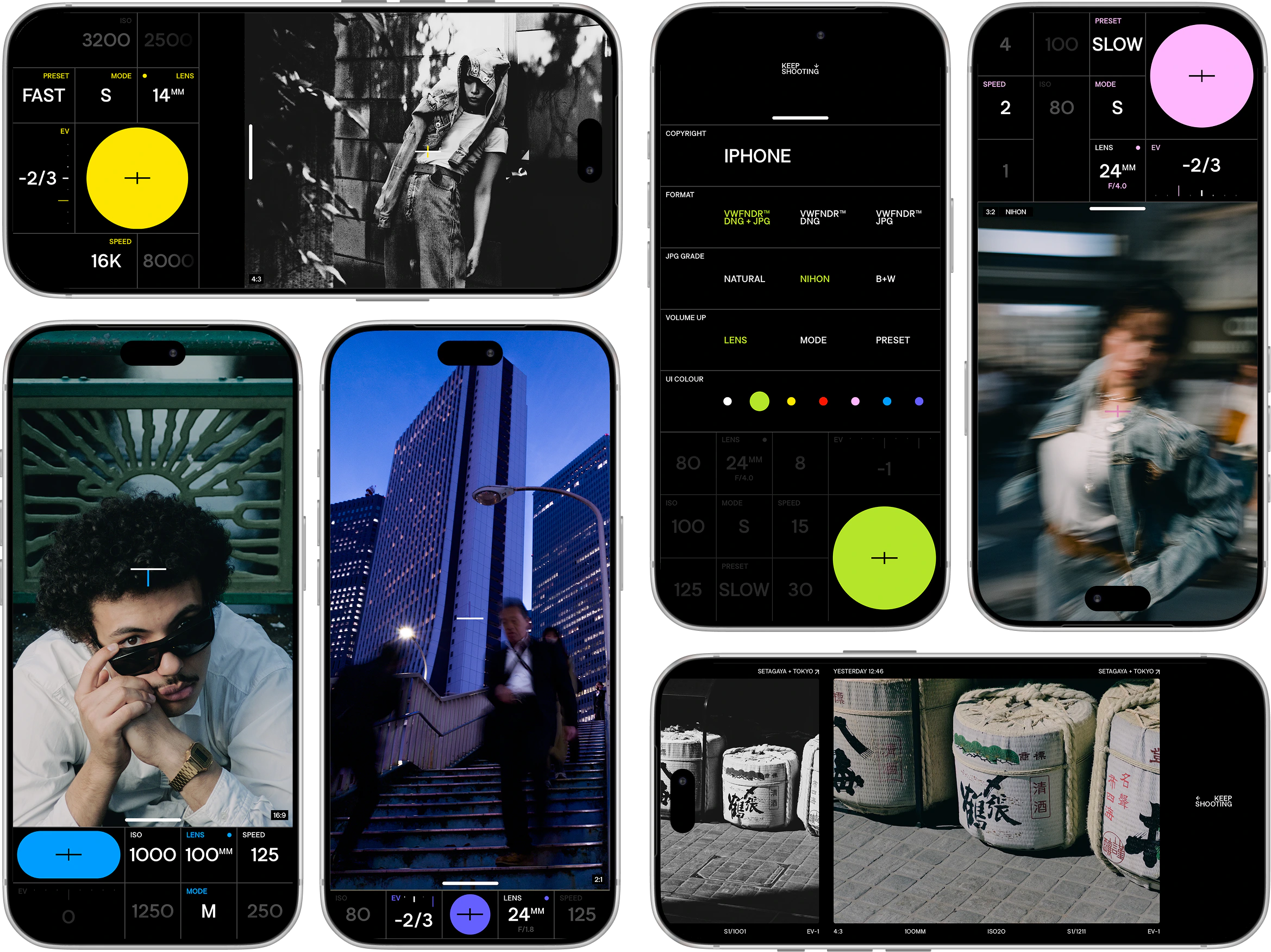
A camera you always carry should work like a camera. VWFNDR™ + MBL transforms your phone into a real photographic tool for unprocessed capture. Aspect ratios, priority modes and manual controls all sit on a single screen, so nothing stands between you and the shot.
- (っ◔◡◔)っ[°◉]¨
- Free download
- 無料ダウンロード
- iOS / Android
- トーキョー [ Tokyo ]
- 二〇二六年 2026
Out now
MBL v2.0 iPhone + Android
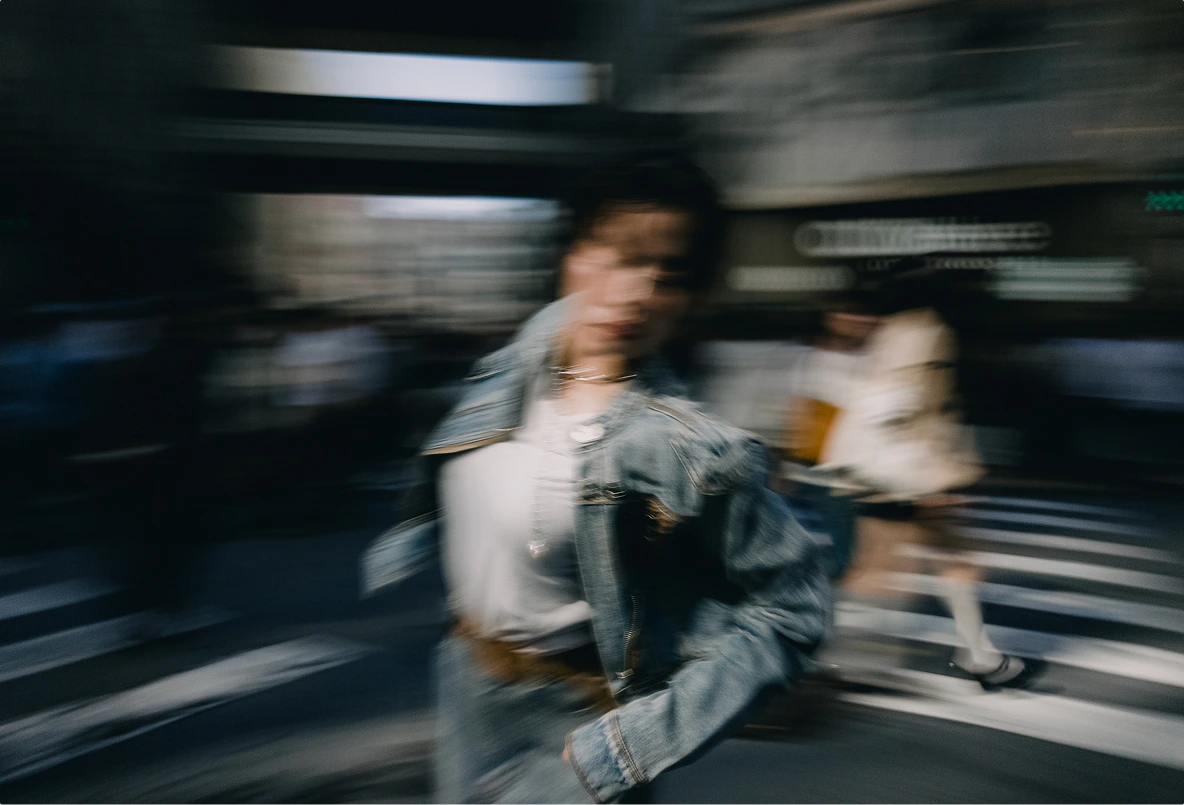
- 渋谷 Shibuya
- 東京 Tokyo
- 1/8
- ISO 200
- F4 / 14mm
- Prst / slow
Only on MBL
Frame reality the way you want
Drag over the viewfinder to switch between six traditional aspect ratios.
Drag all the way to either end to open the settings or the film roll gallery.
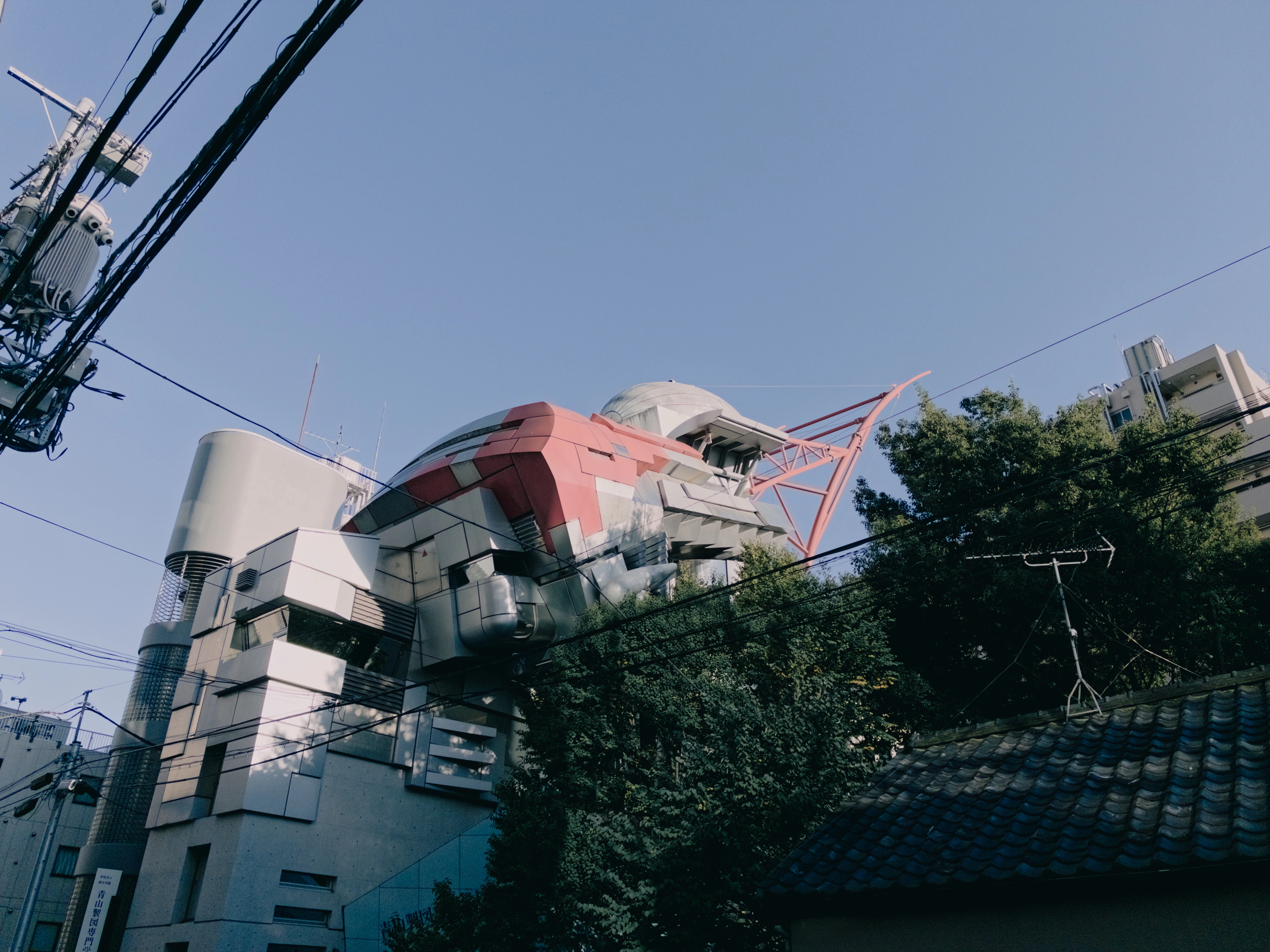 3:2
Try: click & drag ← left + right →
Try: click & drag ↑ up + down ↓
New in 2.0
Ready-to-share JPGs in 3 grades
MBL captures unprocessed DNGs and renders JPGs through one of three grades: NATURAL, NIHON, or B+W.
Switch grades in the settings, or by swiping on the viewfinder.
Grading happens on VWFNDR’s own spatial engine: instead of a fixed filter, colours adapt across the frame. This lets MBL preserve details in shadows and highlights while still applying the selected look to the image.
MBL transforms your phone into a real photographic toolMBL transforms your phone into a real photo tool
Motion: frozen or drawn
Priority modes and shooting presets make slow-shutter shots easy. Go fast instead to freeze a moving subject.
On phones with a variable aperture, MBL drives it for you: stopping down to allow slow shutter speeds in bright light, and opening up to freeze motion.
Only on MBL
Simple interface, powerful features
Make it yours. Reorder the controls, put the physical buttons to work, and pick your favorite UI colour.
Hold any control, drag it where you want it, release. It’s set.
An analog touch
Physical buttons
Use the physical buttons to operate MBL:
- Volume up to cycle functions
- Volume down to release the shutter
- Camera Control on supported iPhones, or zoom buttons on Android where available, to change aspect ratio
Framing ratios
Choose from six traditional aspect ratios. JPGs come out cropped to your ratio. DNGs keep the full 4:3 frame and store the crop in the file.
Gallery roll
Your photos, laid out like a film roll.
Browse, develop, share, and export your photos straight from the app.
- Date taken
- Nov 6, 18:46
- Location
- Sumida + Tokyo
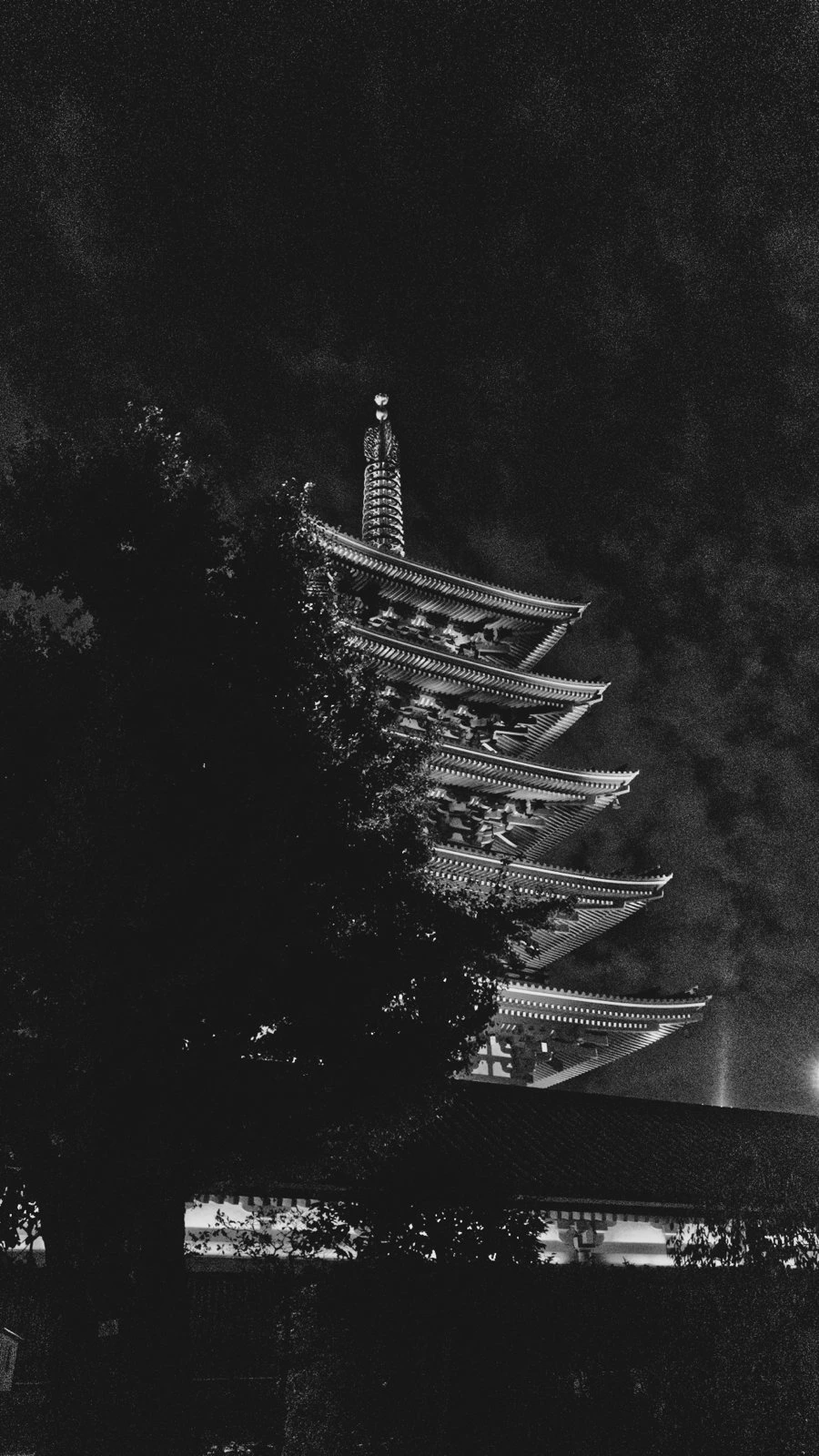
- Aspect ratio
- 9:16
- Focal length
- 24mm
- ISO
- 5000
- S
- 1/122
- EV
- -1
- Date taken
- Oct 11, 17:07
- Location
- Meguro + Tokyo
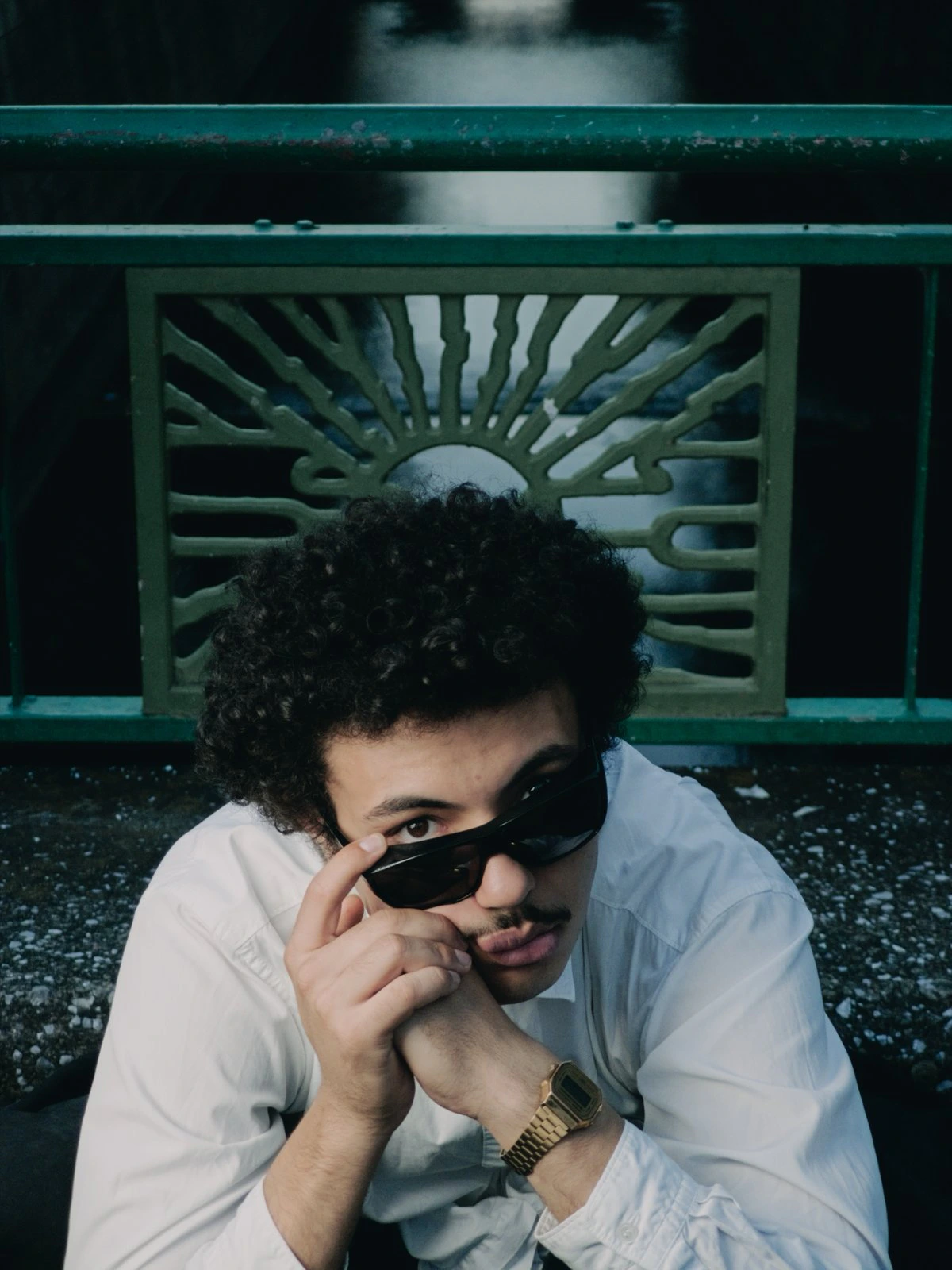
- Aspect ratio
- 3:4
- Focal length
- 75mm
- ISO
- 50
- S
- 1/144
- EV
- -1
- Date taken
- Oct 23, 19:20
- Location
- Chiyoda + Tokyo
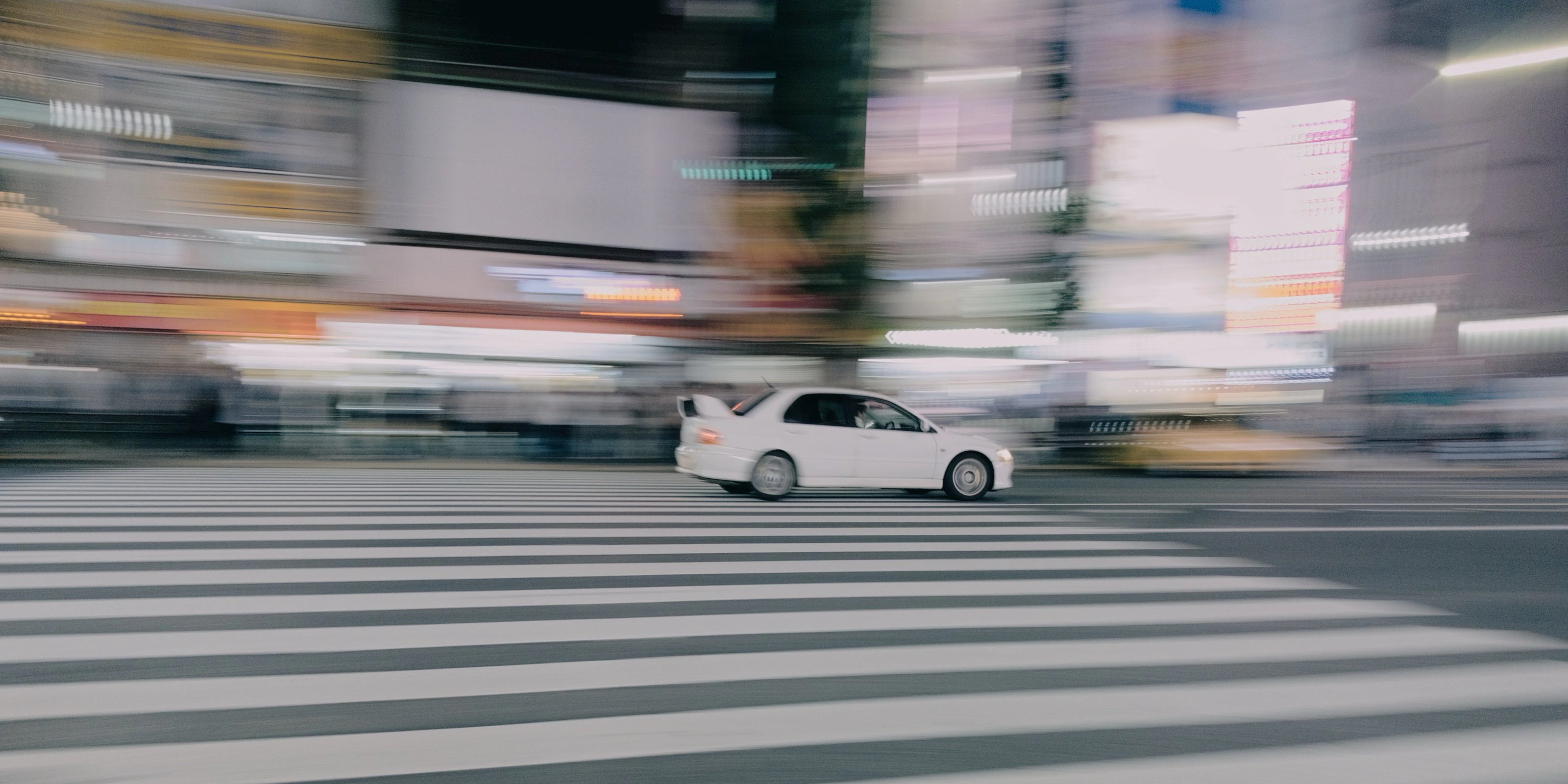
- Aspect ratio
- 2:1
- Focal length
- 24mm
- ISO
- 125
- S
- 1/8
- EV
- -1
- Date taken
- Oct 11, 15:20
- Location
- Shibuya + Tokyo
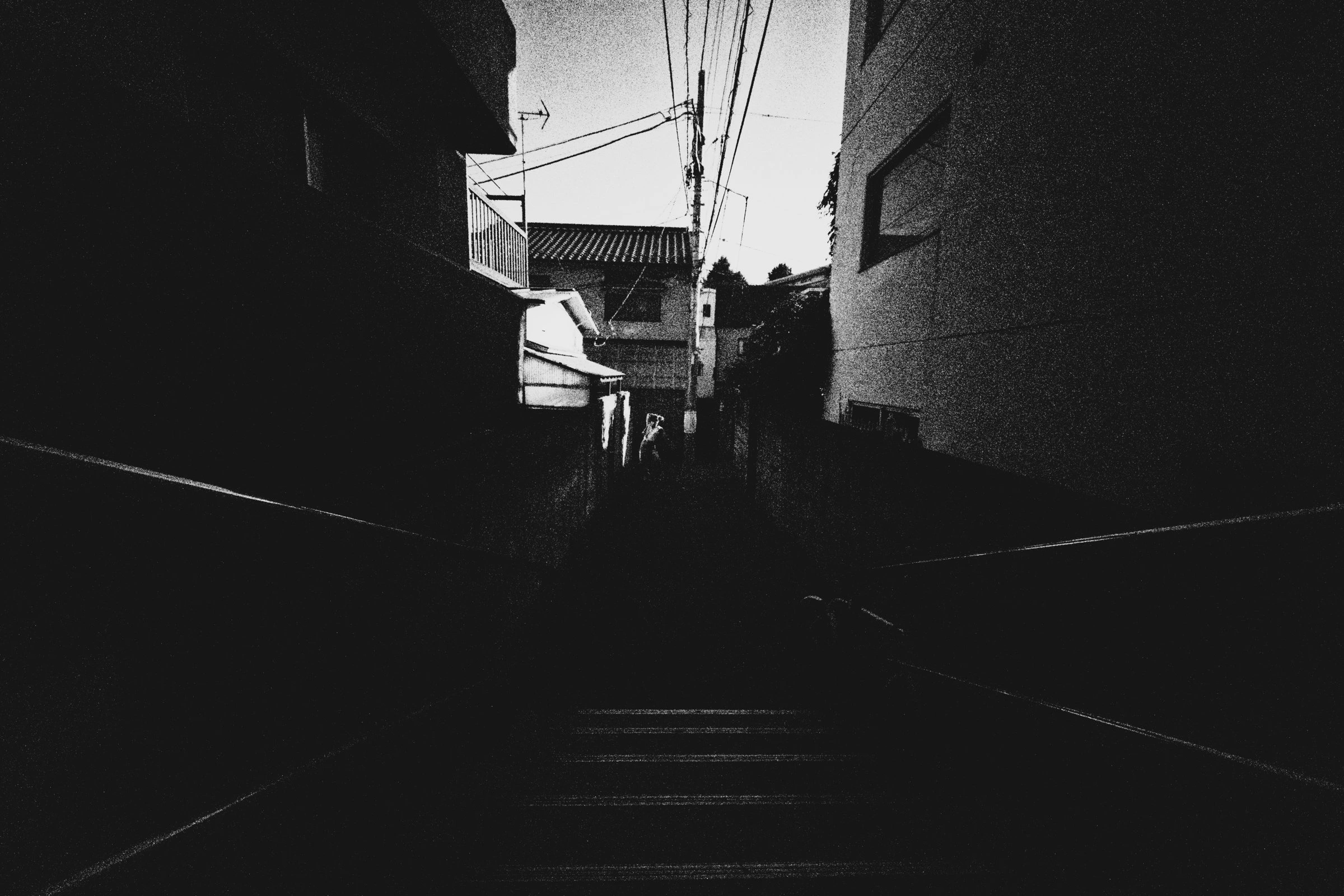
- Aspect ratio
- 3:2
- Focal length
- 12mm
- ISO
- 990
- S
- 1/190
- EV
- -2 2/3
- Date taken
- Oct 11, 15:23
- Location
- Shibuya + Tokyo
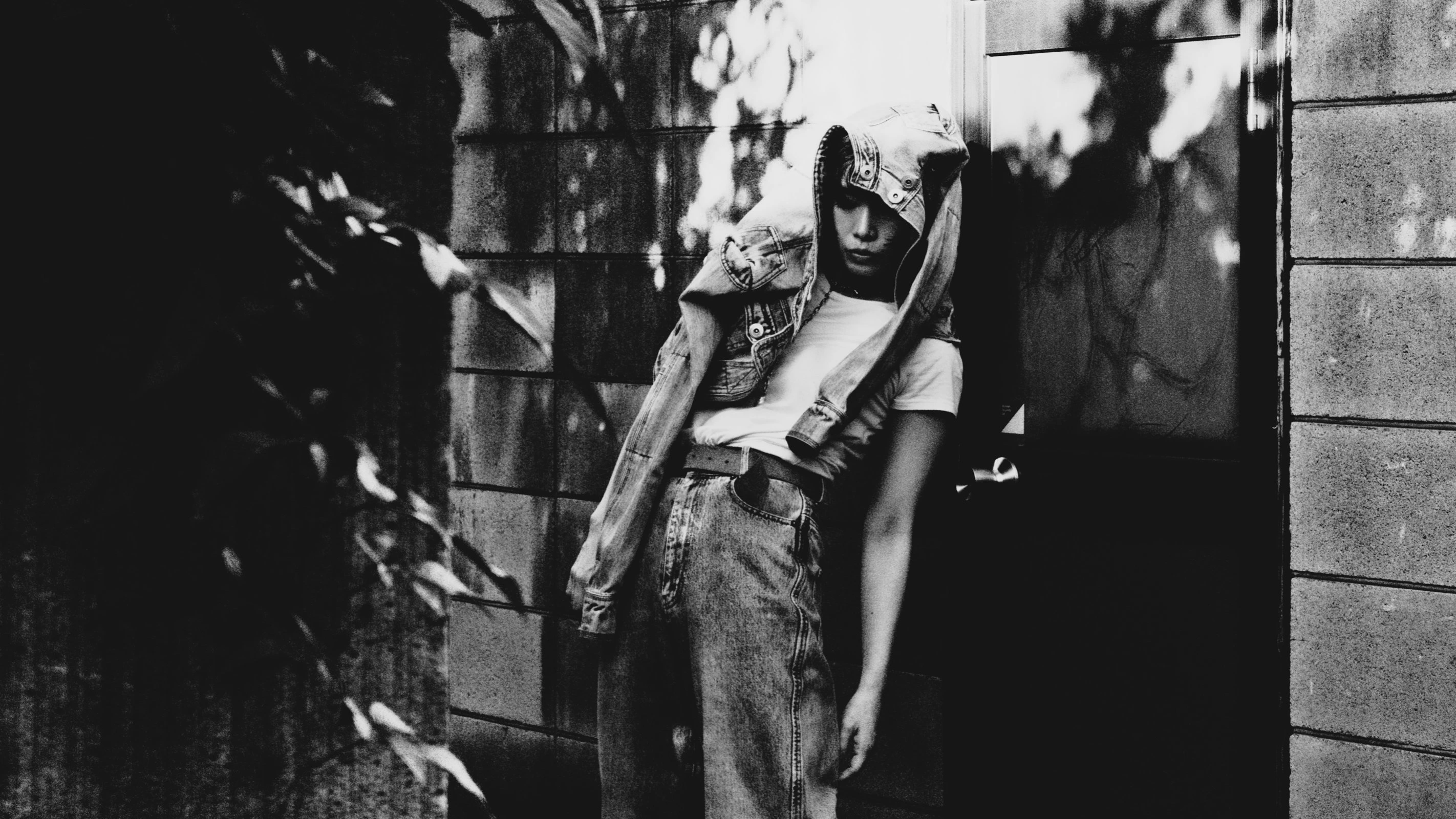
- Aspect ratio
- 16:9
- Focal length
- 24mm
- ISO
- 990
- S
- 1/190
- EV
- -2 2/3
- Date taken
- Oct 19, 12:46
- Location
- Setagaya + Tokyo
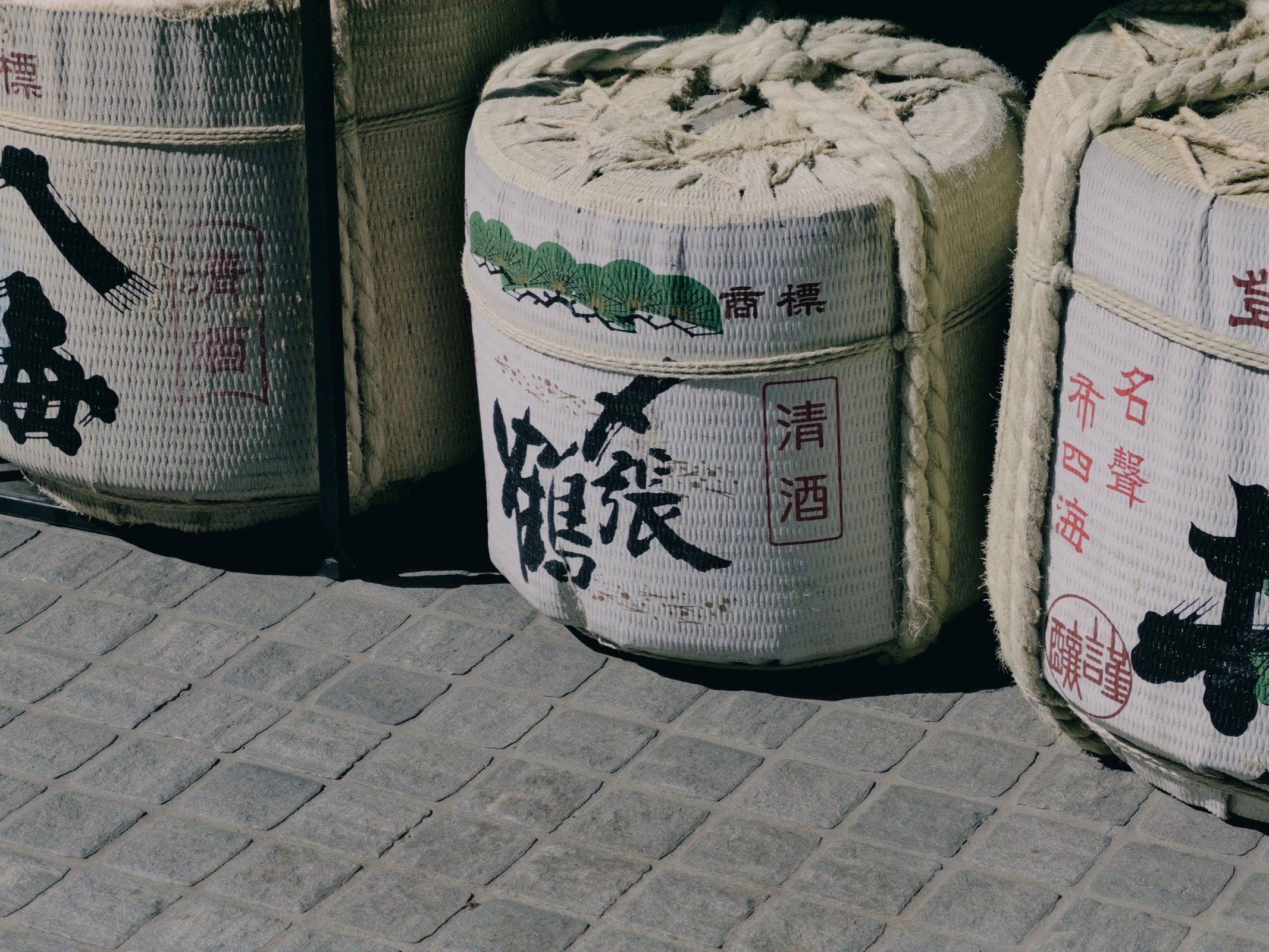
- Aspect ratio
- 4:3
- Focal length
- 100mm
- ISO
- 20
- S
- 1/1211
- EV
- -1
- Date taken
- Oct 10, 16:37
- Location
- Meguro + Tokyo
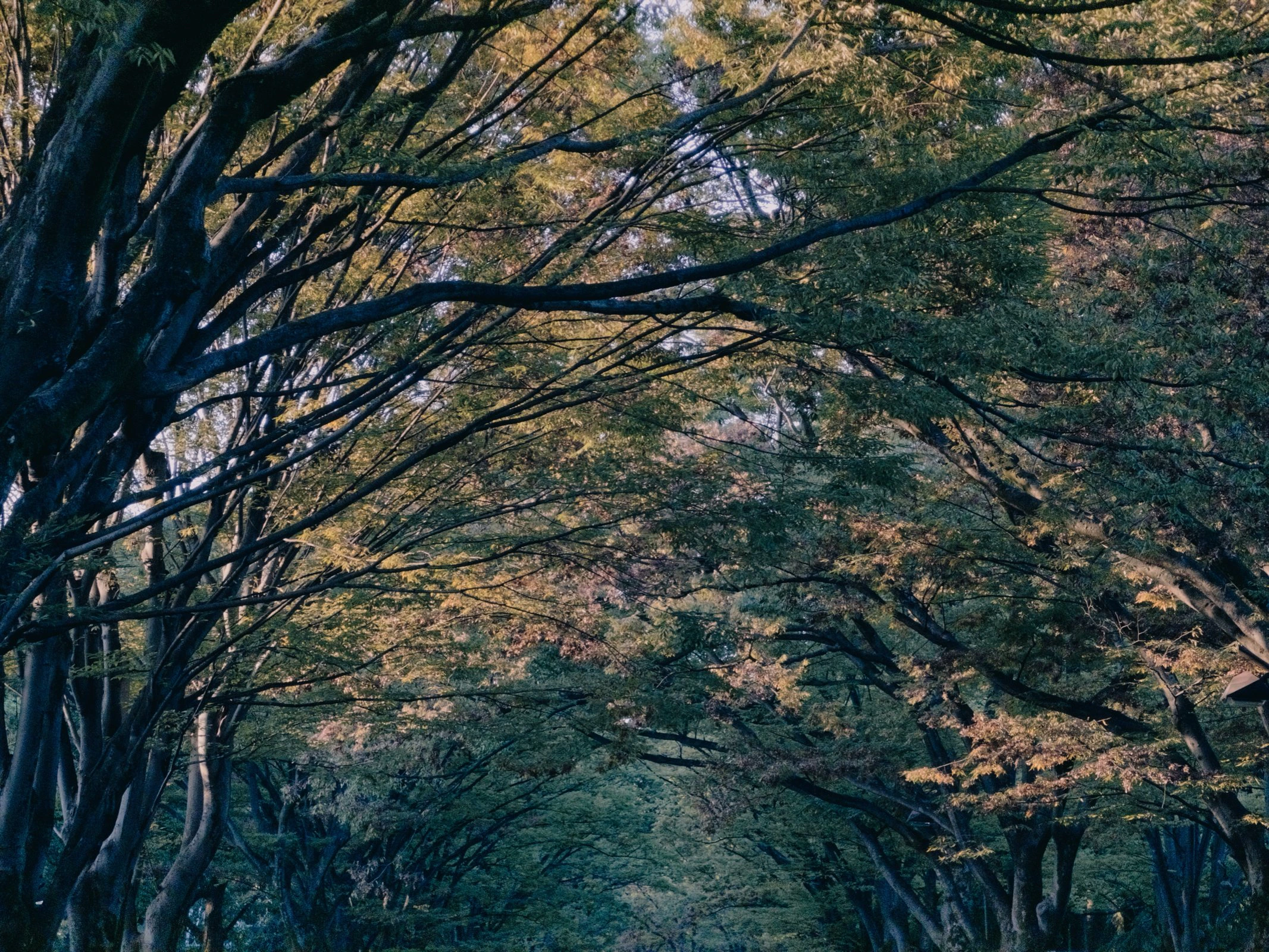
- Aspect ratio
- 4:3
- Focal length
- 100mm
- ISO
- 125
- S
- 1/121
- EV
- -1 2/3
- Date taken
- Oct 11, 16:53
- Location
- Meguro + Tokyo
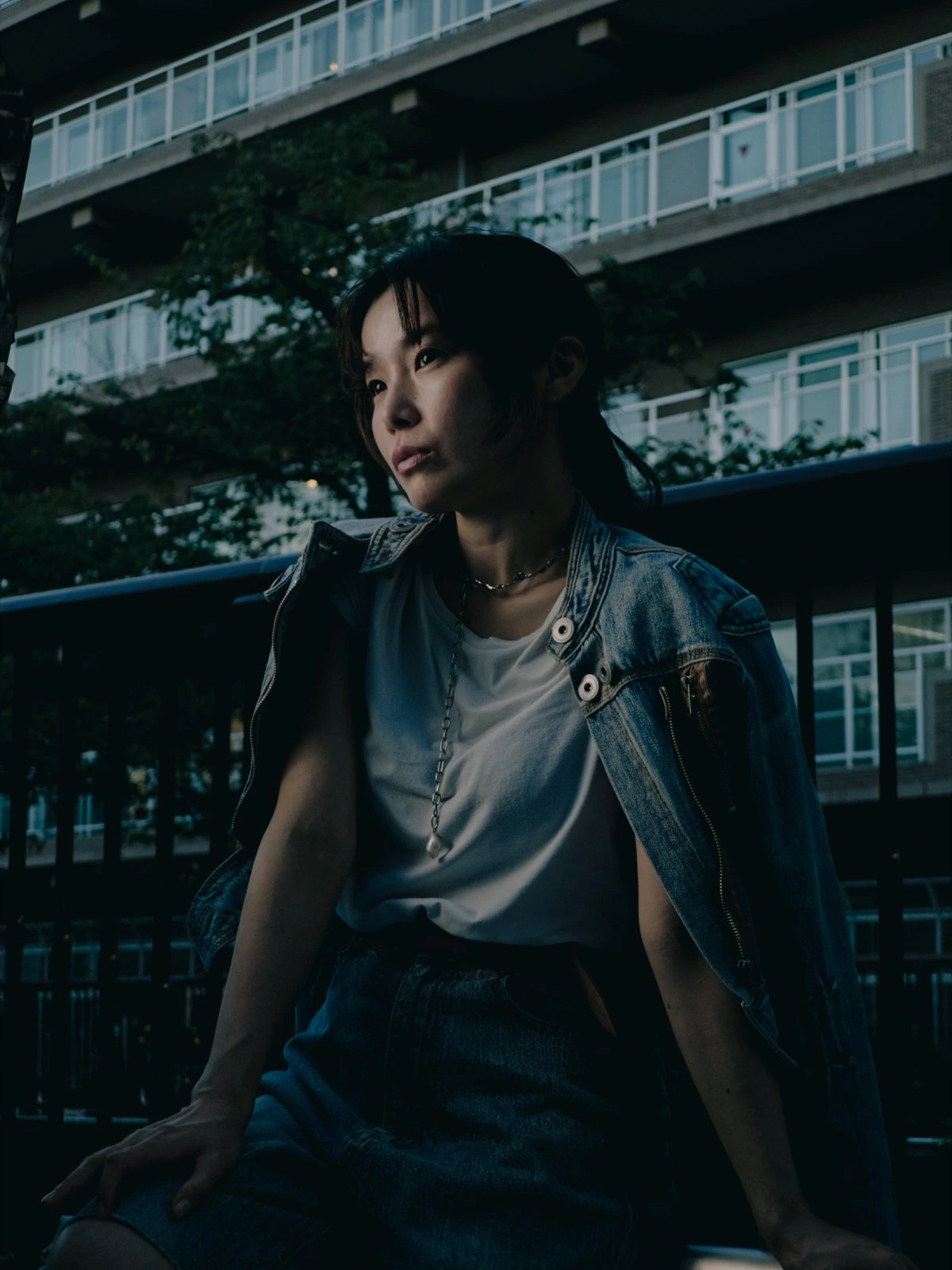
- Aspect ratio
- 3:4
- Focal length
- 75mm
- ISO
- 50
- S
- 1/179
- EV
- -1 1/3
- Date taken
- Nov 4, 12:09
- Location
- Setagaya + Tokyo
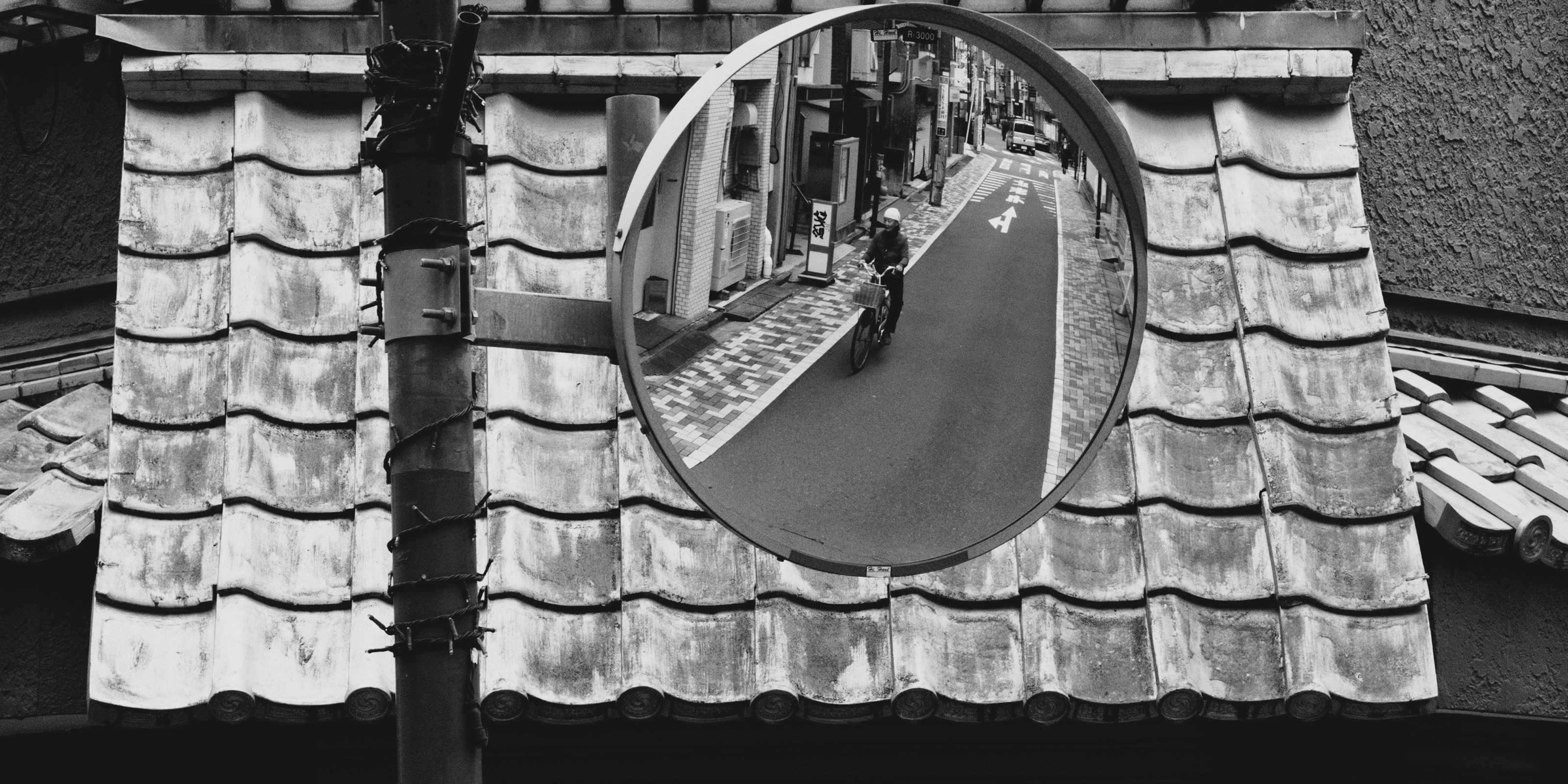
- Aspect ratio
- 2:1
- Focal length
- 100mm
- ISO
- 80
- S
- 1/121
- EV
- -2/3
- Date taken
- Oct 11, 13:24
- Location
- Shibuya + Tokyo
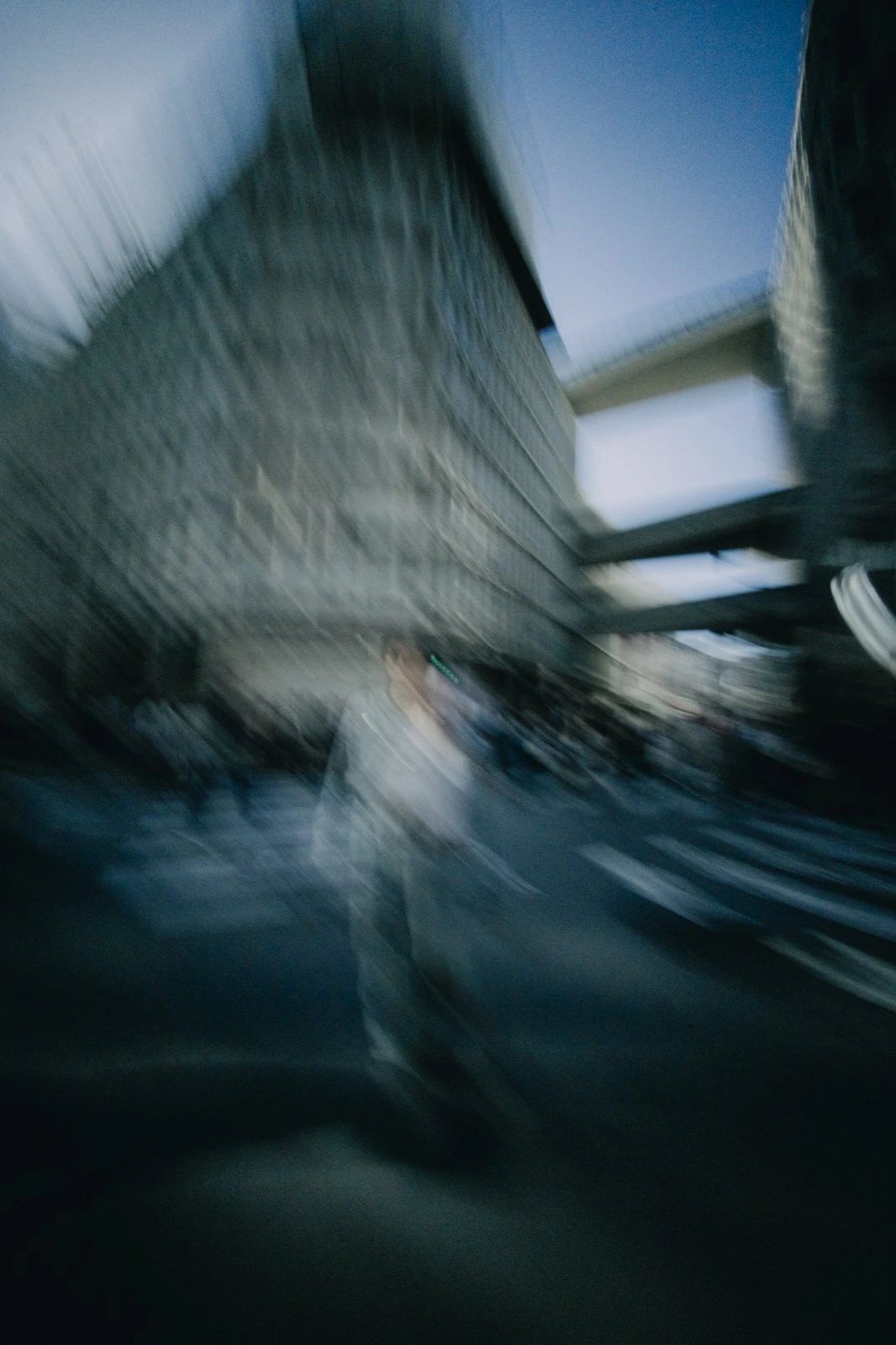
- Aspect ratio
- 2:3
- Focal length
- 12mm
- ISO
- 50
- S
- 1/8
- EV
- -2
Manuals
Everything there is to know
Learn how to use MBL v2.0 with our dedicated user manuals.
Real photography must remain in people’s hands
Shoot the same format as professional photographers →
Bayer RAW
MBL bypasses the “phone look” processing and gives you unaltered 16-bit digital negatives.
A camera that takes worse* photos, finally again. No HDR stacking, no tone mapping, no computational tricks. Just what the sensor sees.
*unprocessed
Authenticity for everyone
VWFNDR™ is the fourth company in the world to achieve C2PA Level 2 conformance, and the second, after Google, to support it for DNG.
Every photo captured with MBL carries proof that it was taken by a real camera, not generated or constructed. That proof lives inside the file itself: a tamper-evident record, built on the open Content Credentials standard from C2PA.
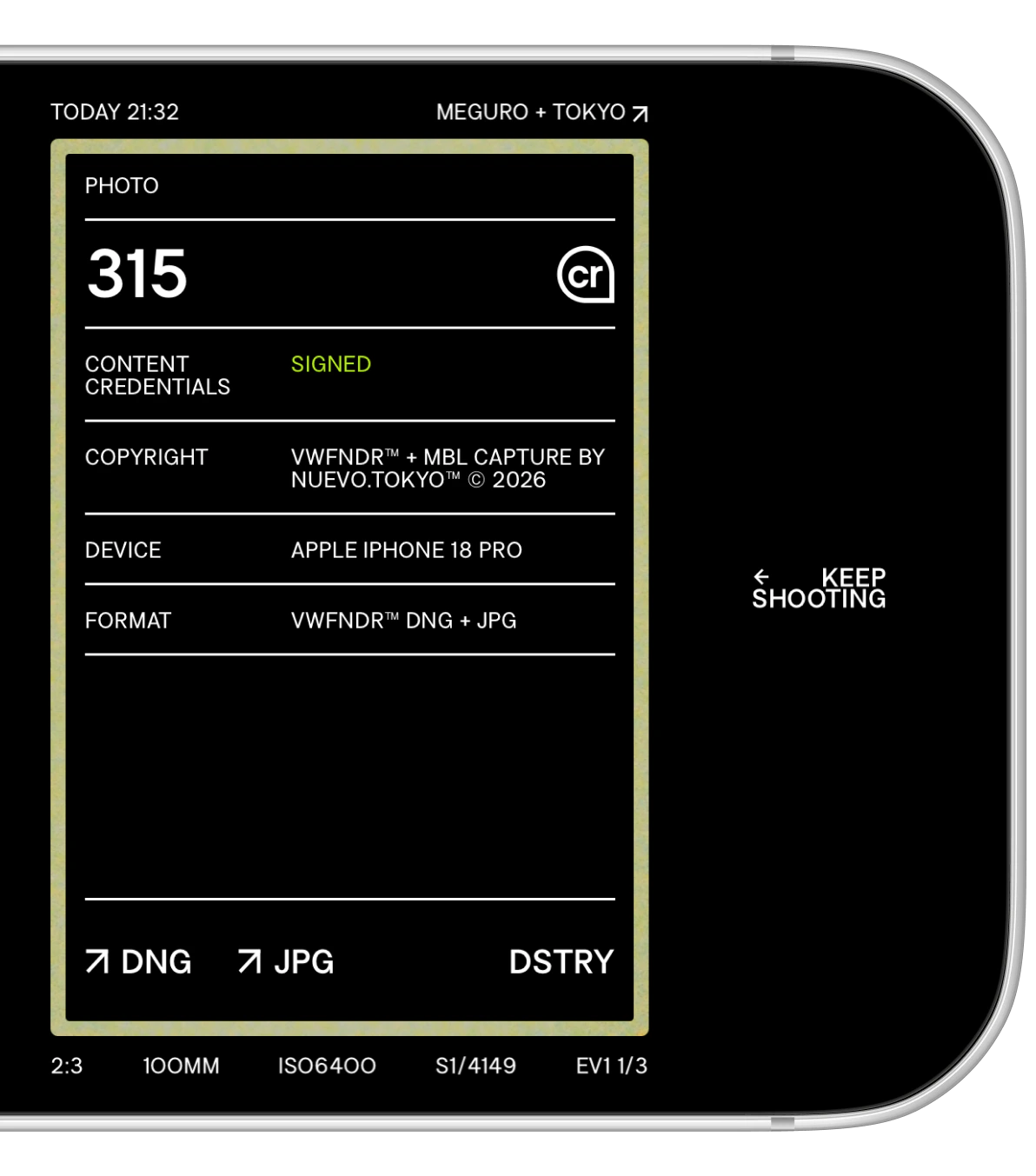
Check any MBL photo at verify.vwfndr.camera (opens in a new tab).
Content Credentials are fragile. Most social and messaging apps break them on upload. To keep them, use MBL’s own USB export.
Members of
Proud members supporting industry standards that record the origin and history of digital content.


Unprocessed Bayer RAW photos + simultaneous DNG & JPG + 16-bit DNG + manual & automatic controls + priority modes + 6 aspect ratios + shooting presets + 3 JPG grades + embedded Content Credentials + in-app gallery + physical buttons + Camera Control + UI personalisation + slow shutter + USB export + all future features free
- (っ◔◡◔)っ[°◉]¨
- Free download
- 無料ダウンロード
- iOS / Android
- トーキョー [ Tokyo ]
- 二〇二六年 2026
MBL v2.0 iPhone + Android
Gracias Merci ありがとう
You are supporting the future of photography.
We’re independent designers and developers bringing back the fun and magic to professional photo tools.
Thank you for making it possible.
Created by:
東京 — 2026 ©
DSGN: Nuevo.Tokyo™ (opens in a new tab)DVLPMNT: lihbr (opens in a new tab)
FNT: Increments (opens in a new tab)SFX: DZA — Lightreft (opens in a new tab)