When we first released VWFNDR™ + MBL in May, we hoped for a few thousand downloads. Our most ambitious goal was 40,000 downloads by the end of the year.
Five months later, here we are:
- 300,000+ downloads
- 3,000,000+ photos captured
- 1,000+ reviews and comments
Thank you! Your photos and messages shaped what came next. Many of you asked for an iPhone version. Others noticed JPGs looked different from one phone to another, or asked how a control worked. MBL 2.0 comes with answers.
VWFNDR™ + MBL 2.0, now also on iPhone
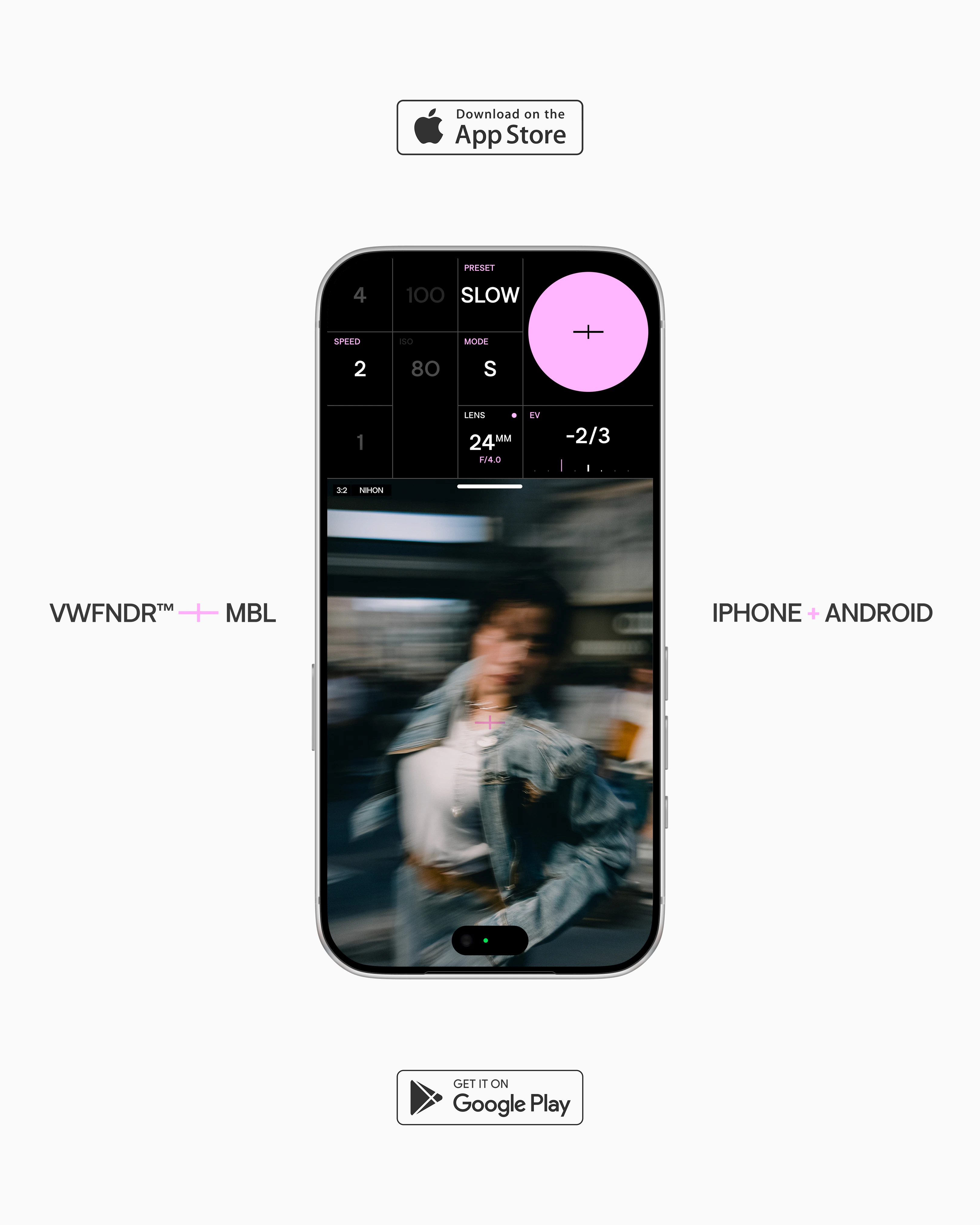
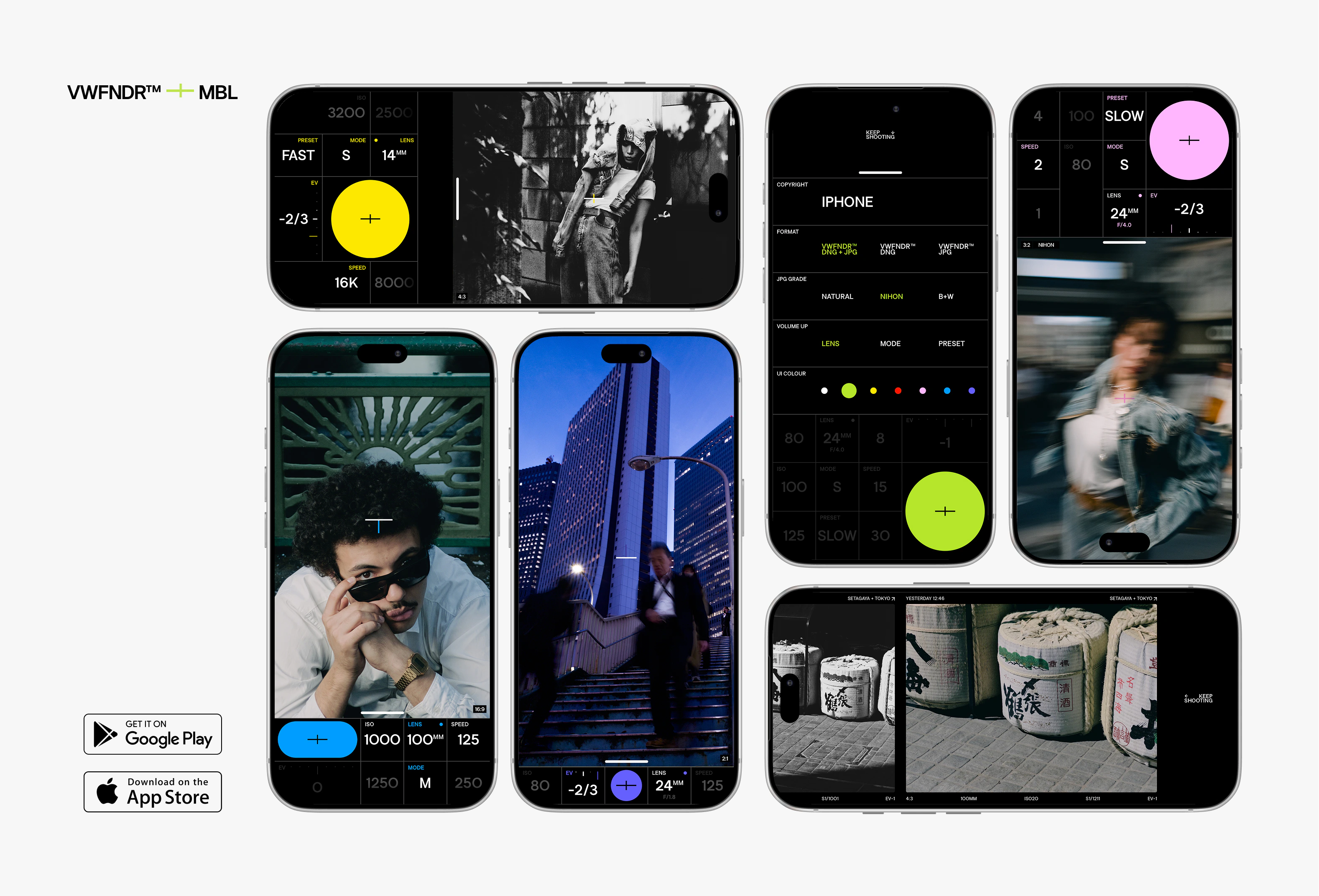
You read that right: MBL 2.0 is now available to download on iOS (opens in a new tab), as well as Android (opens in a new tab). Starting today, we’re treating both platforms equally, finally making MBL everyone’s true compact camera.
Besides iOS support, MBL 2.0 keeps building on the same simple idea: a camera you always carry should work like a camera. Direct controls and real captures are still there, and 2.0 takes them further.
Colour grades
Up until now, MBL rendered JPGs through the phone’s default engine: render quality and colour varied a lot across phones. While the captured DNG stays untouched, MBL 2.0 now renders captured JPGs through one of three grades: NATURAL, NIHON, or B+W.
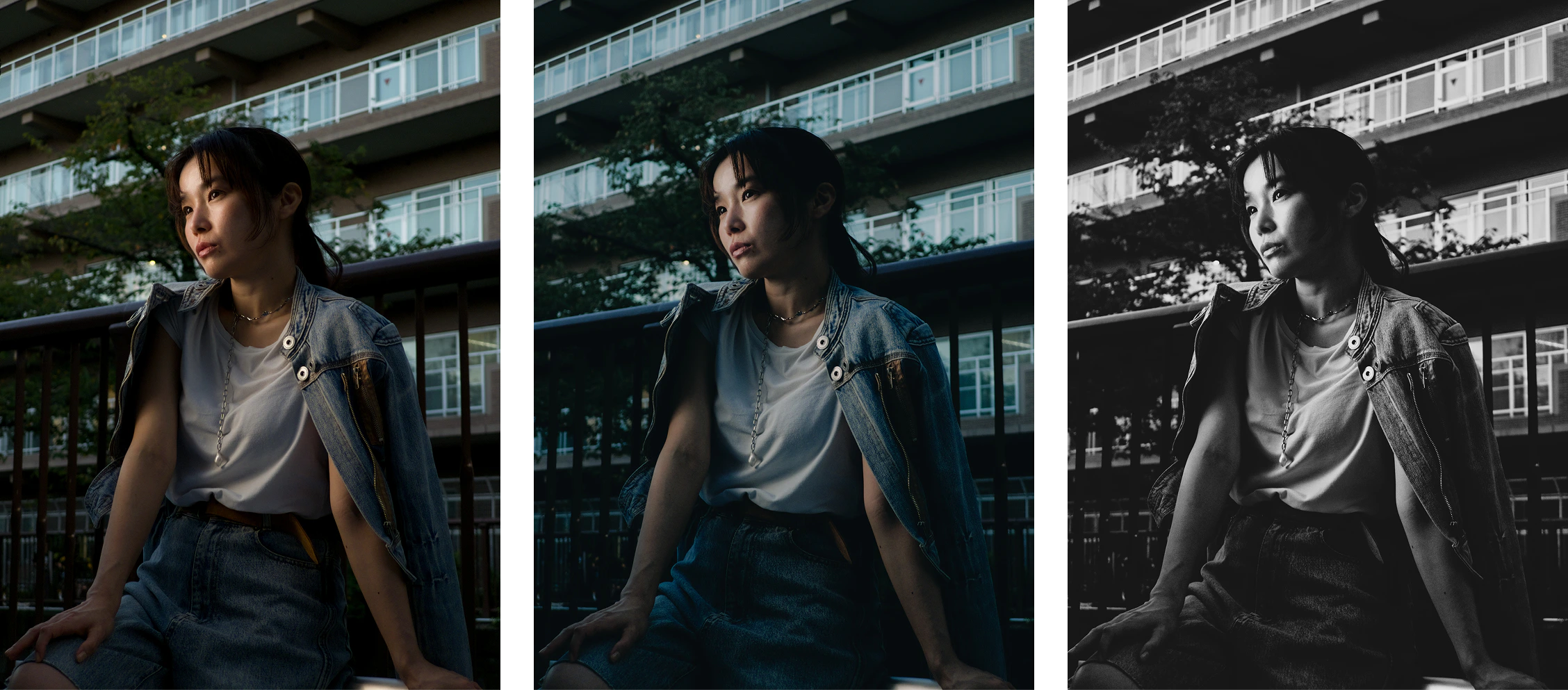
Natural, Nihon, B+W. Model: Nodoka @non92non
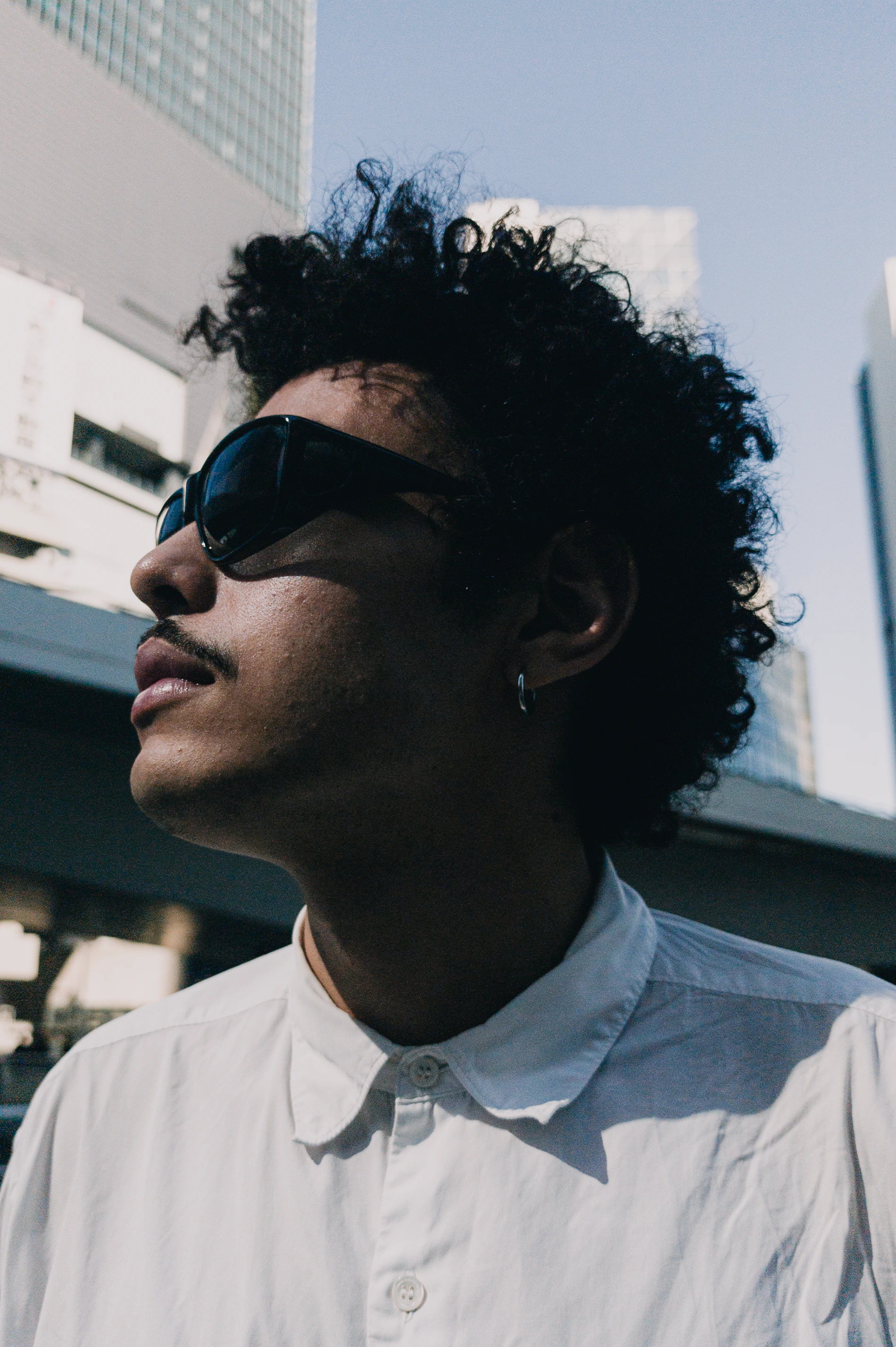
Model: Idriss @idriss.y
This grading happens on VWFNDR’s own spatial engine: instead of applying a fixed LUT, colours adapt across the frame, much like a raw editor. This allows MBL to preserve details in shadows and highlights while still applying the desired look to the image.
Switch grades in the settings, or by swiping on the viewfinder.
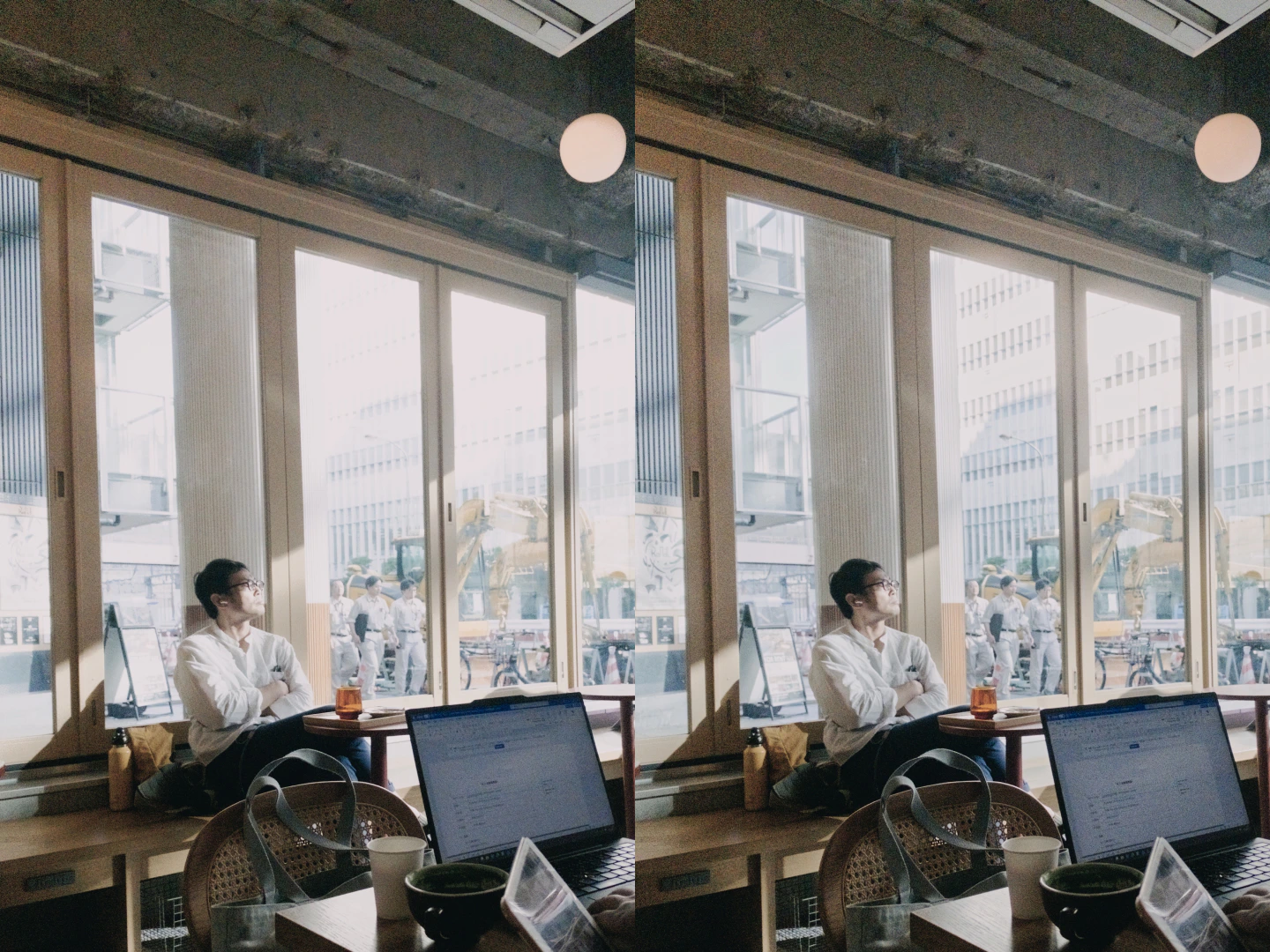
Left: LUT-based grading. Right: MBL spatial grading
Someone said aperture?
When Apple announced a variable aperture for the iPhone 18 Pro, we wanted to understand what those tiny blades could actually do for a phone sensor.
Variable apertures on phones are not new: Motorola tried first back in 2008 (opens in a new tab), and Samsung brought it to smartphones with the Galaxy S9 in 2018. As it happens, we own an S9, and MBL supports it fully.
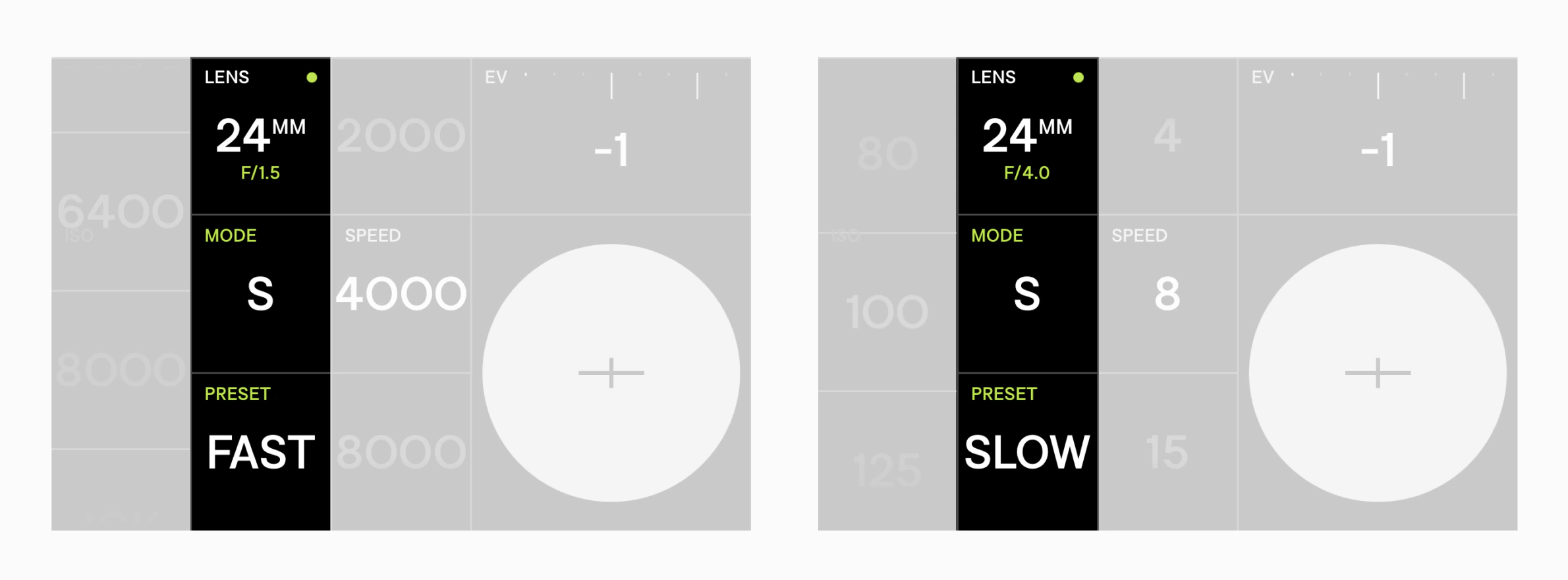
Phone apertures are so small that dialling them by hand changes little. So MBL puts the aperture to work where it counts: it stops down to allow slow-shutter shots in bright light and opens up to freeze motion at fast shutter speeds.
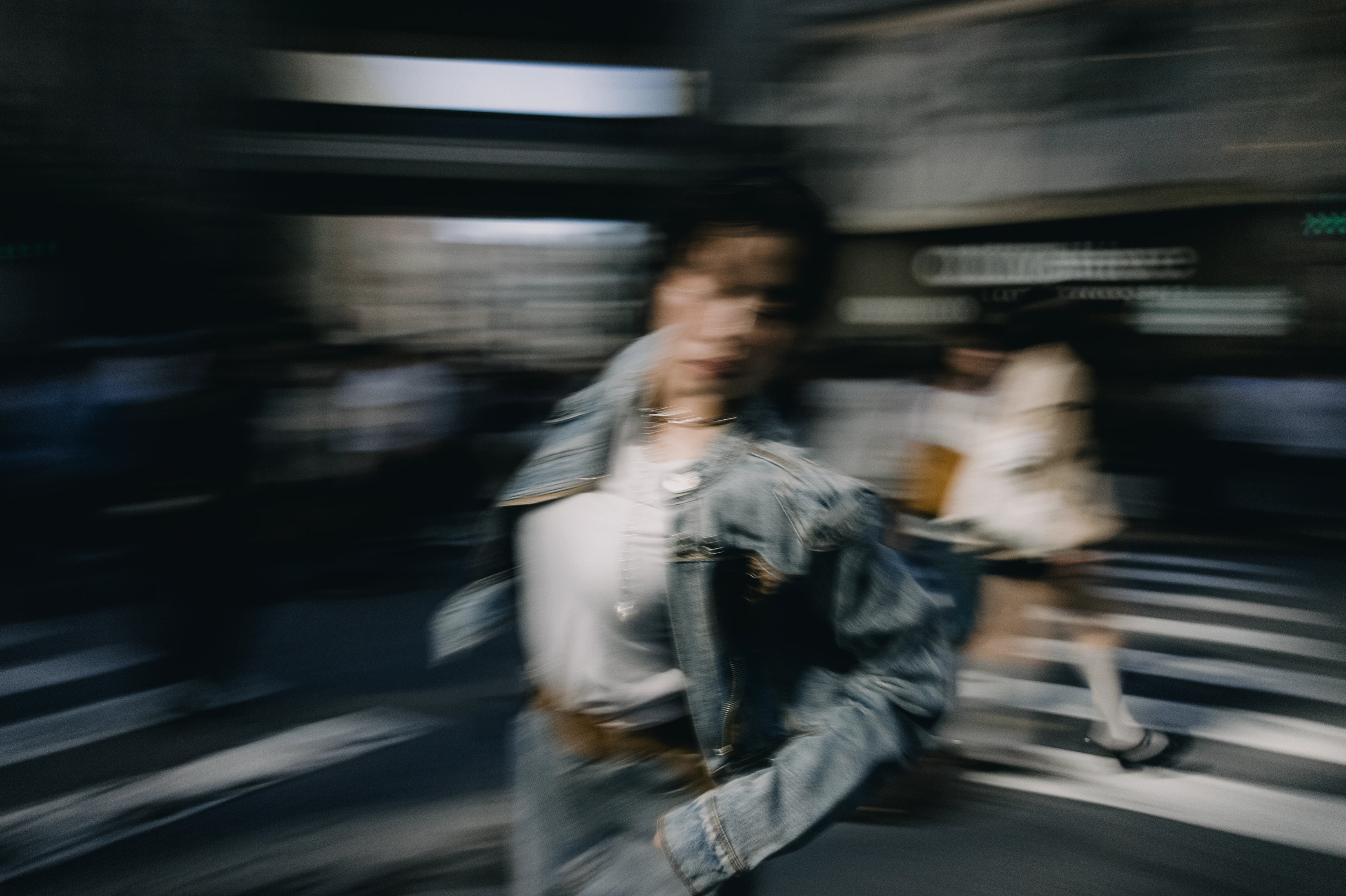
Preset: slow, ISO 100, 1/4, F4
Authenticity and provenance
Every photo MBL takes carries Content Credentials: a signed record written at the moment of capture, which travels inside the file. It shows where the image came from, how it was made, and whether it has been altered since. Anyone can check it on any platform. Drop an MBL photo into verify.vwfndr.camera (opens in a new tab) and see for yourself.
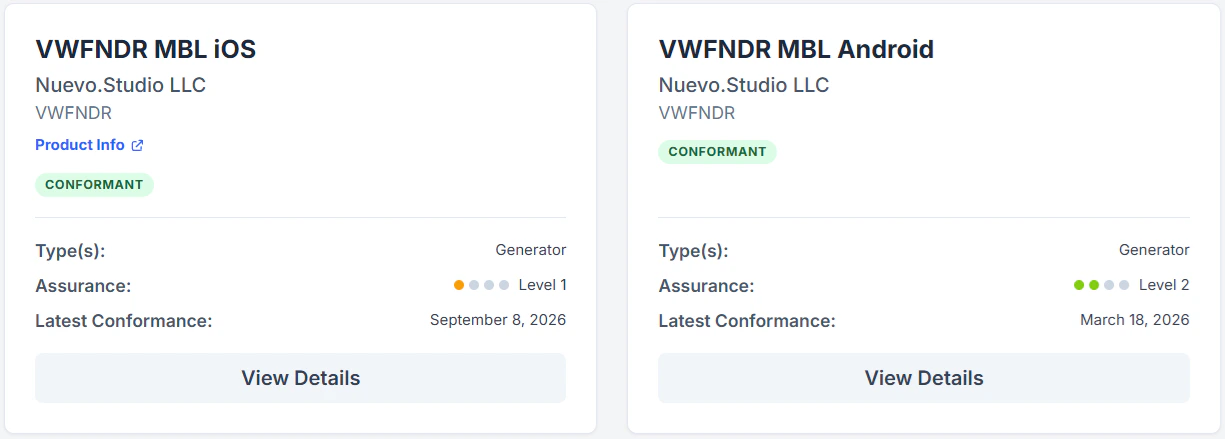
VWFNDR™ + MBL conformance records for iOS and Android
In September, Apple announced Reference Image (opens in a new tab) for the iPhone 18 Pro: provenance got a new spotlight. We think that’s good news for photography. MBL’s Content Credentials follow an industry standard and work on any iPhone or Android phone that can prove its integrity through hardware attestation.
User manuals
When you buy a camera, it comes with a manual.
Some asked us about it, and we’re happy to release, alongside MBL 2.0, dedicated user manuals for Android and iOS. In their 20+ pages, you can learn about every detail and feature MBL comes with.
Give them a read online, or download and print them just as we did:
The camera we want to keep making
MBL 2.0 isn’t the end of MBL, and VWFNDR™ is only getting started.
We now have solid foundations: the skills to build for both Android and iOS, a deeper understanding of colour science, and a better sense of how to design a camera people enjoy using.
As a collective, we want to build on that to keep pursuing our core principles: intention, authorship, simplicity, and the enjoyment of photography. That might mean new features for MBL, or new, more ambitious projects.
A small purchase, continued development
VWFNDR™ + MBL 2.0 can be downloaded for free so everyone can try the experience. However, a one-time purchase is now required to unlock capture: buy it once, for life, for US$4.99.
Existing Android user? As a thank-you gesture for your early support, we’re offering you MBL 2.0 and all future updates for free so you can keep shooting!
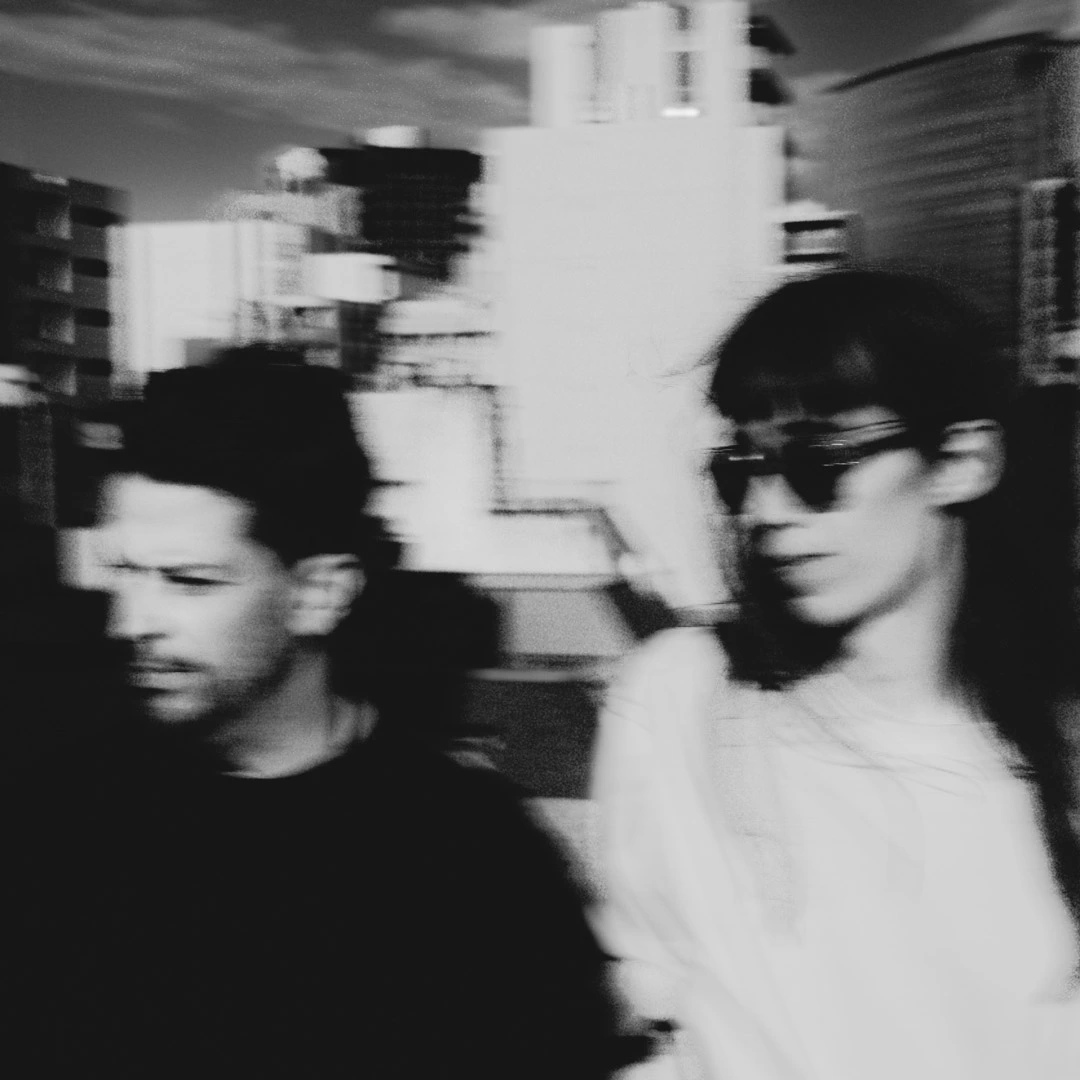
VWFNDR™ + MBL team, Alvaro and Lucie
We poured countless hours into making MBL what it is today. Your support will help our small team ensure sustainable, continued development, while also allowing VWFNDR™ to fund, research, and explore new concepts beyond mobile development.
Enough talking,
Now, go out and shoot!
Cameras are tools, made for capturing light. So grab yours, go out and shoot!
If you’d like that camera to be MBL today, download it now on your favourite device:
We’d love to hear your thoughts and see your photos. Please tag us if you share them!
- X (opens in a new tab)
- NSTGRM (opens in a new tab)
- THRDS (opens in a new tab)
- LNKDN (opens in a new tab)
Typed by real hands