Options vs simplicity. A balancing art.
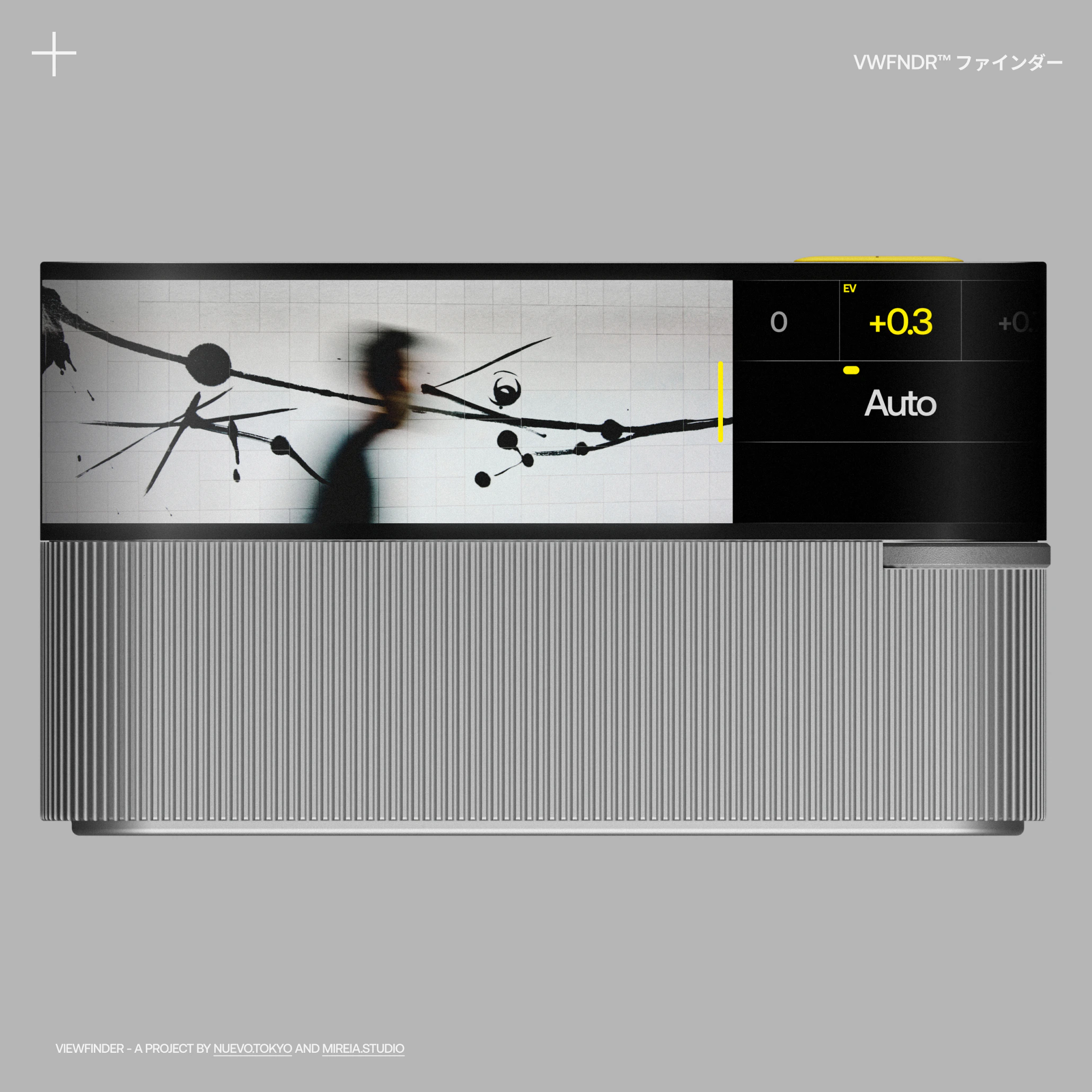
In our previous newsletter, we mentioned that KEIRIN is designed to cater to all levels of shooting styles, including beginners, amateurs, and professionals. To accomplish this, the interface must be adaptable to every profile and offer automatic, manual, and custom controls.
Using Reductionism + Familiarity + Magic as guiding principles: How may we design a complex & custom camera interface, while maintaining simplicity and visual beauty?
Everything in view, nothing in the way.
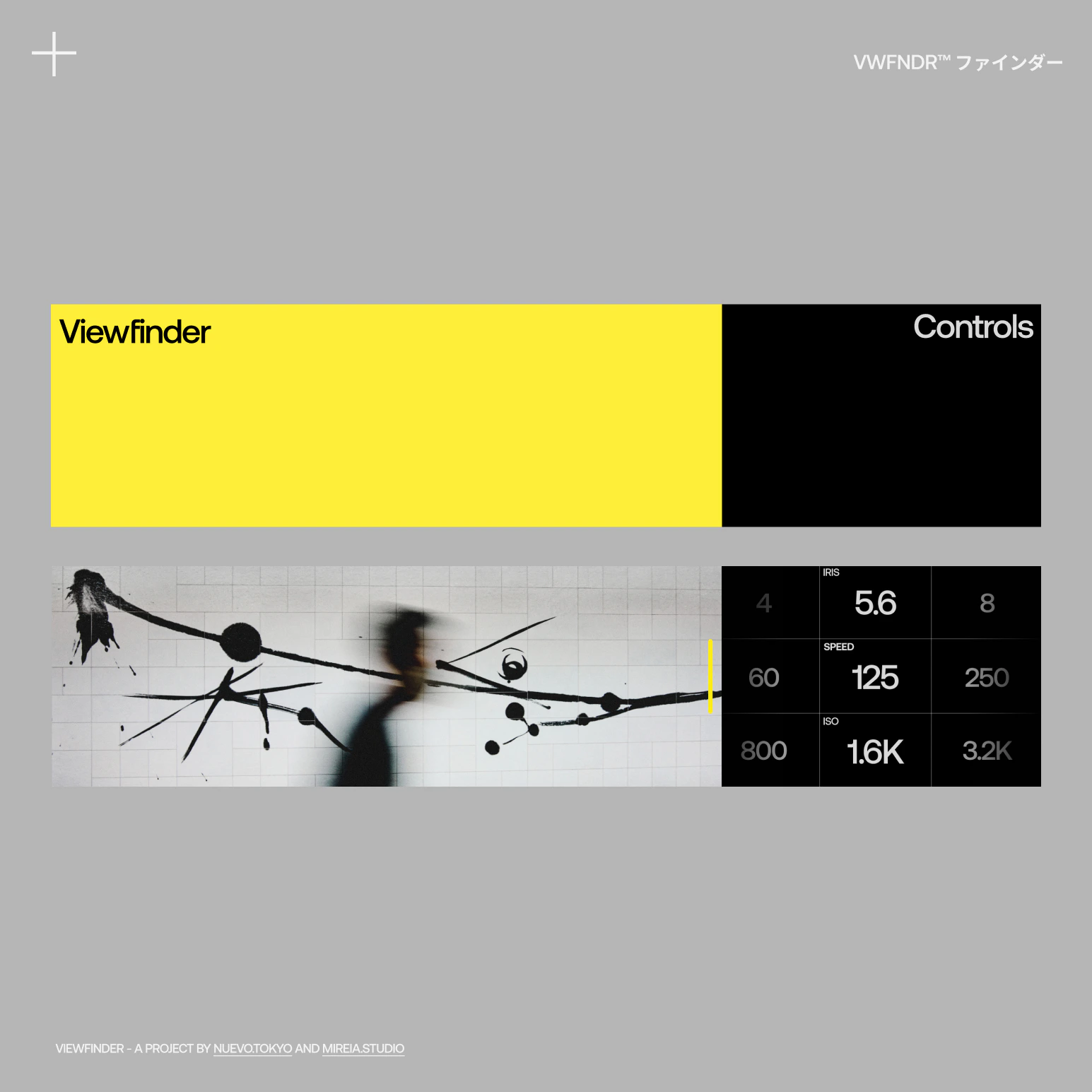
Both the viewfinder and the camera settings should always be in view and never overlap each other, which is often the case with many digital cameras available in the market. Keeping these elements separate facilitates legibility and usability for users.
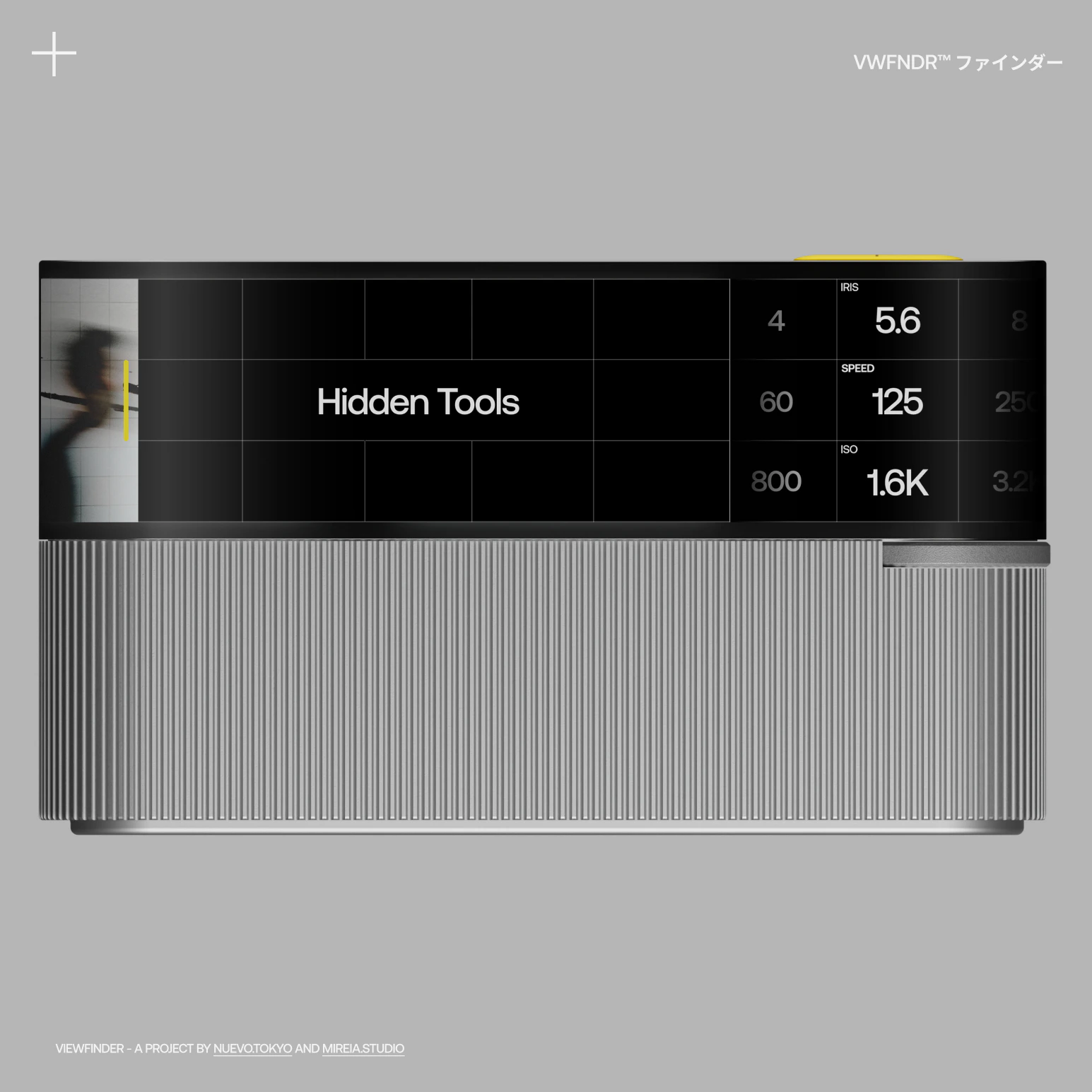
Any other secondary setting that you may need that is not shown during shooting, can be revealed under the viewfinder by swiping all the way left or down from the top edge of the screen.
UI follows UX. Bidirectional interface.
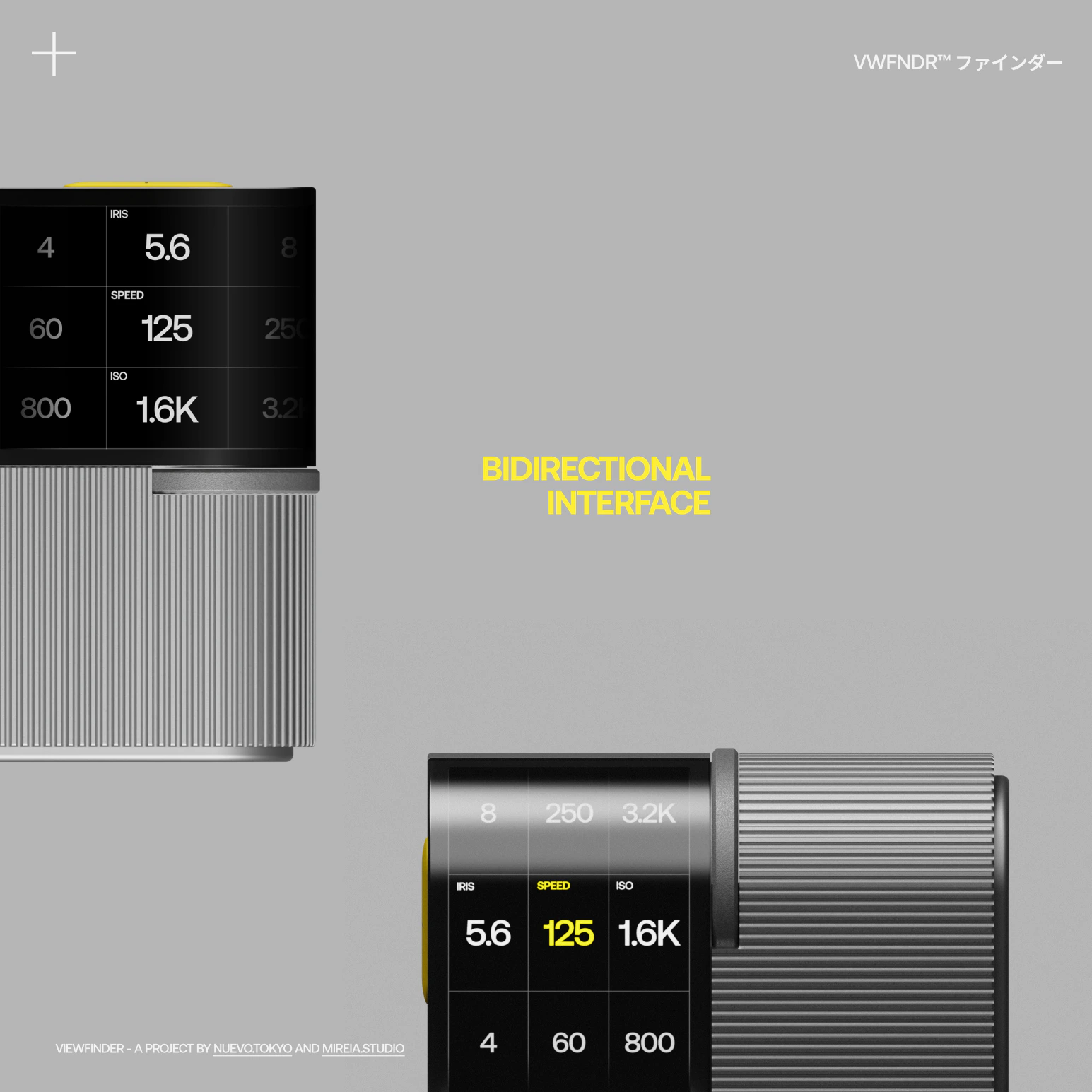
Simple implementations can exponentially enhance the user's experience. People are very savvy with interfaces and expect features like vertical and horizontal UI to be standard. Not having them can end up being very costly. However, only a few cameras today offer this level of attention to detail.
Speed. Shoot now, choose later.
KEIRIN is a panoramic-first camera, but it does not force you to shoot panoramics. You can shoot in any format you want, from the legendary Xpan (6:2 ratio) to Cinemascope (21:9), all the way down to the industry standard: 35mm (3:2). While you can choose a format "a priori," you can always re-edit and crop, both in-camera and through dedicated software.
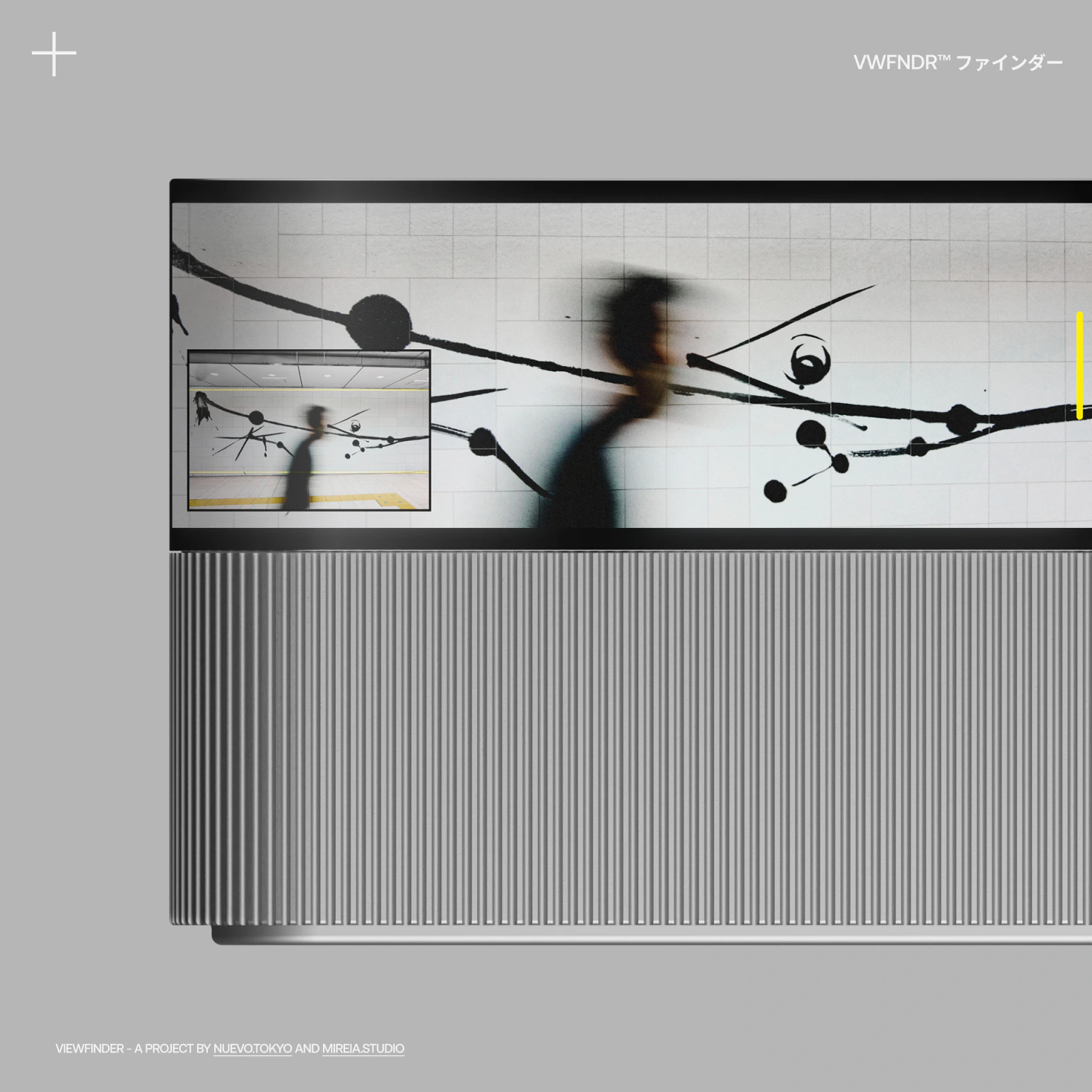
To facilitate framing the full capture, you have the option to display a frame-on-frame on top of the viewfinder. Additionally, you can drag it to any position on the screen by tapping and dragging.
All the shooting modes. From auto to manual.
The Exposure Triangle is the most universal of all camera controls, allowing you to capture a photo by adjusting three different hardware values: lens aperture (IRIS), camera/lens shutter speed, and sensor/film sensitivity (ISO). These three settings offer a world of possibilities, from exposing a photo "correctly" to creating a piece of abstract art.
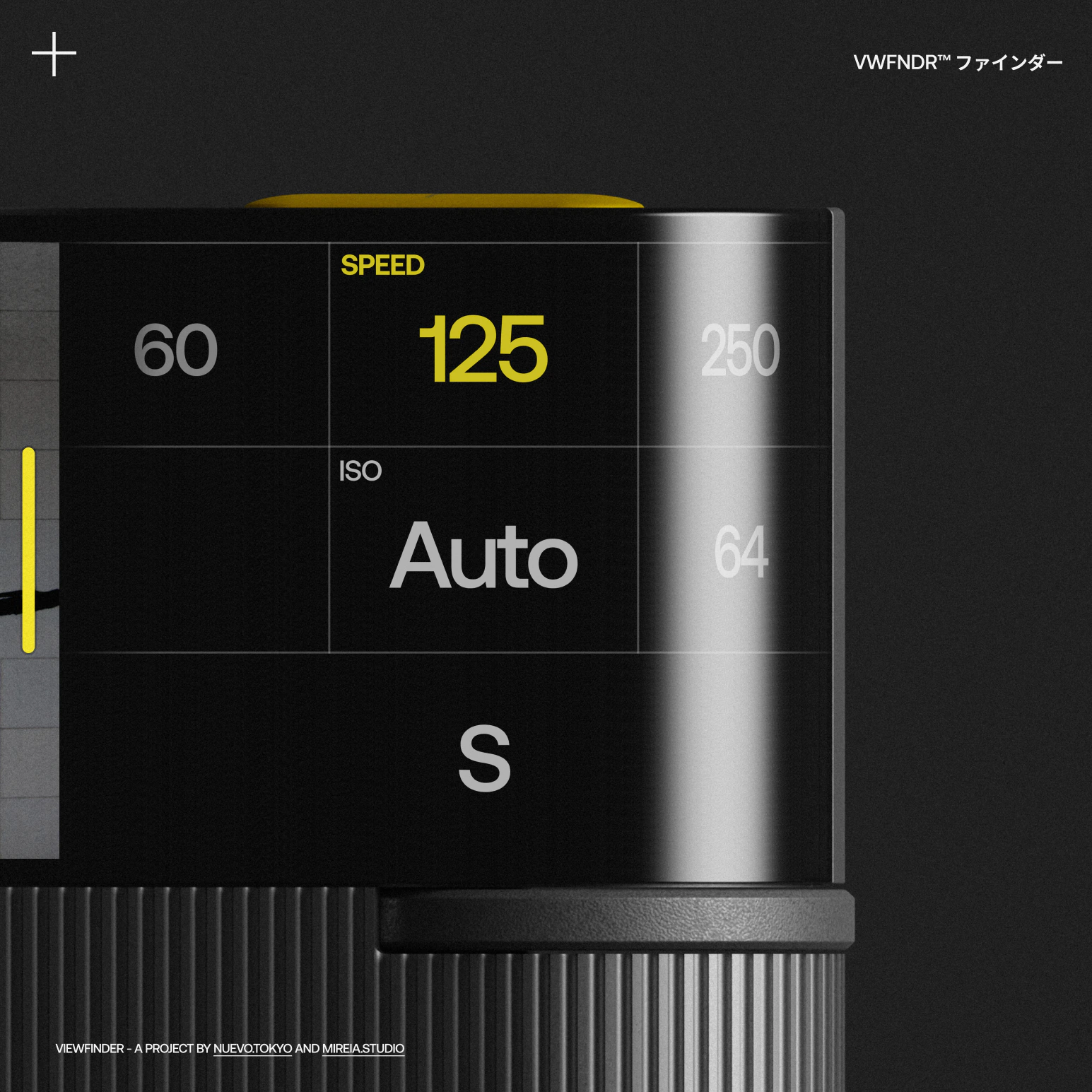
While intimidating at first, the Exposure Triangle is also the most powerful feature a camera can offer. Therefore, the experience and interface should allow entry-level users to learn about it progressively, while also enabling pro users to customise it as needed.
Automation. Removing friction.
Thanks to a combination of smartphone UX and cloud services, people around the world have become more tech-savvy than ever before. As a result, there are a few things they will expect from a new camera in 2023:
- A camera should always be ready to shoot
- Photos should always be ready to use
Always on. A camera that never sleeps.
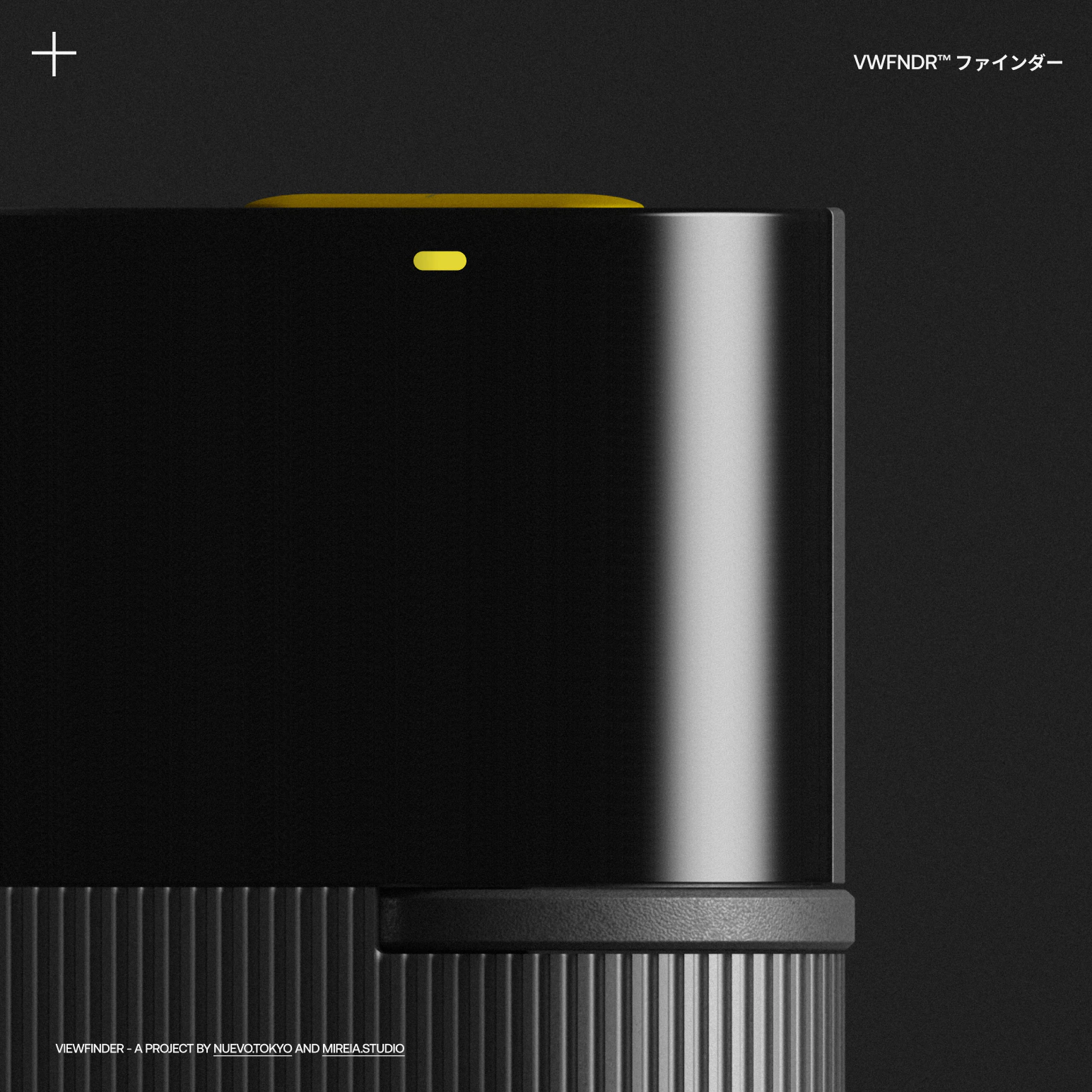
Missing a photo because the camera was not ready is one of the most frustrating experiences for a photographer. In 2023, a digital camera should always be ready, with a tap away, just like your phone, ready to shoot the next picture.
To save battery, the screen goes off. Meanwhile, the camera enters a quiet mode that allows for instant shutter release when needed.
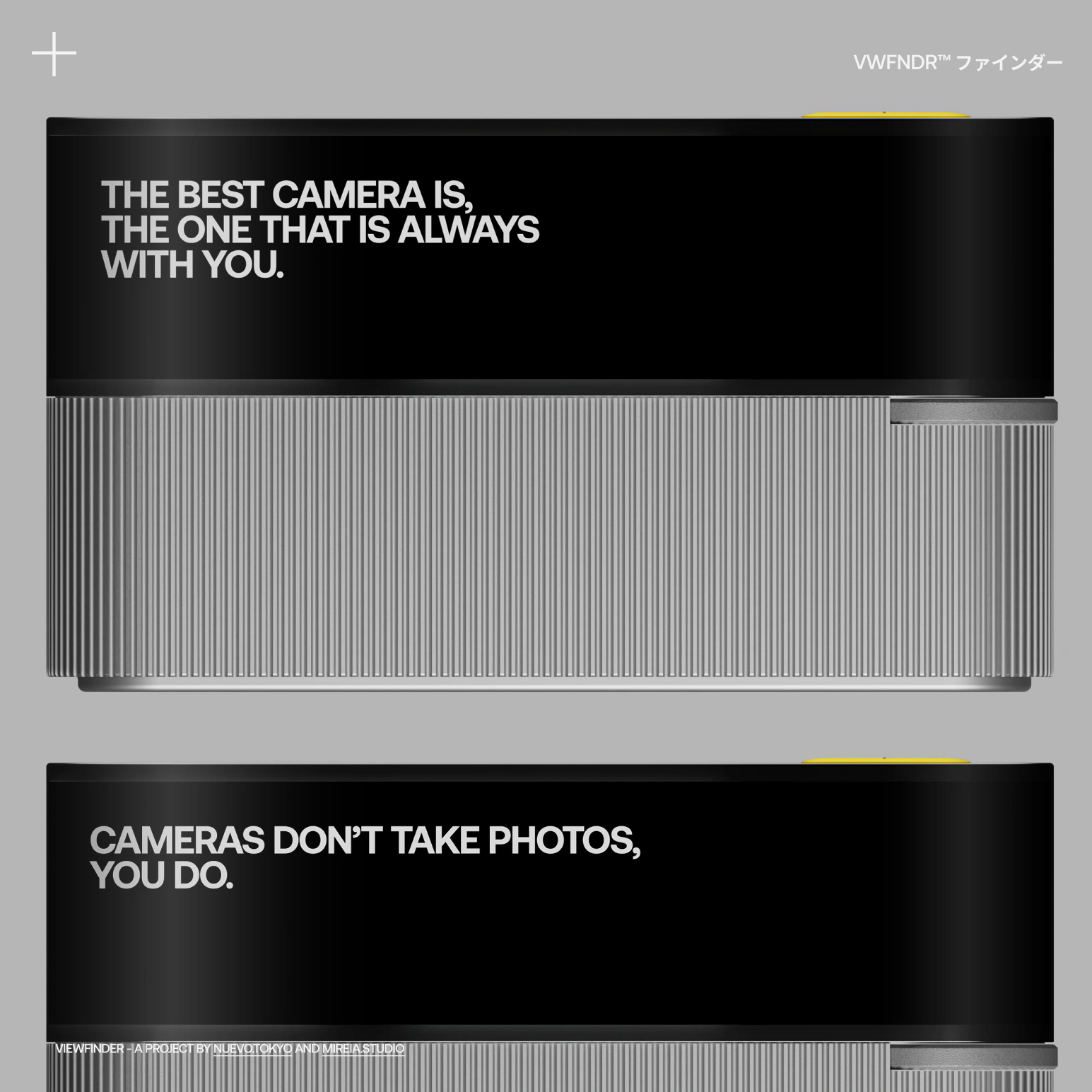
After a period of inactivity (and when the motion and proximity sensors activate), the camera will trigger aspirational messages to encourage you to start shooting again. You can customise and disable this feature if you don't need it.
Cloud. Auto-uploads.
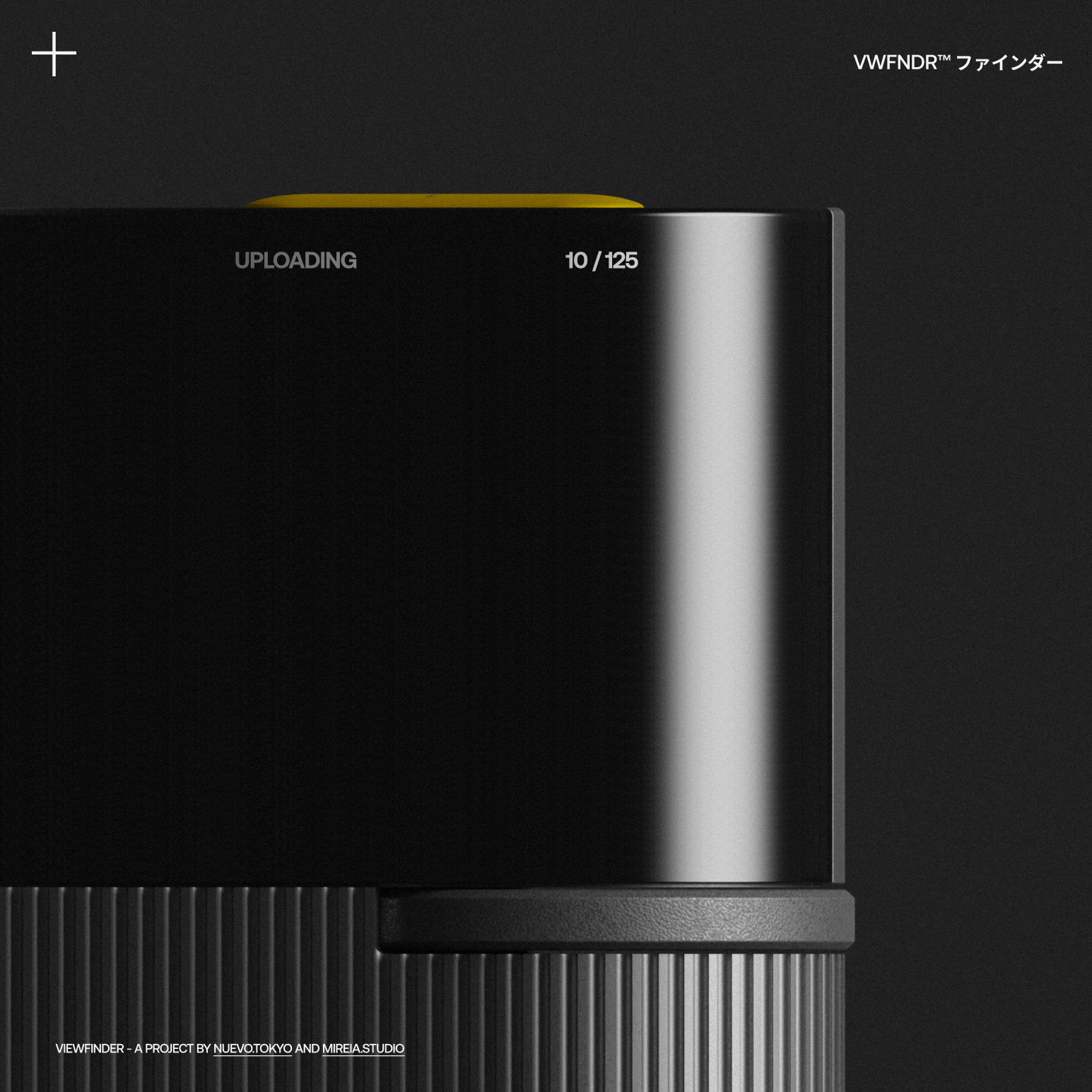
Imagine a camera that never requires a memory card to save photos (because it uses SSD internal memory) and you also never have to download the photos to your computer because they are already stored there after being taken.
Using either a dedicated or tethered mobile connection, KEIRIN can send to your preferred storage service all photos to the cloud right after they are taken (think Dropbox, for example). This way, you can edit the photos on your device, because they are already synced.
Magic.
VWFNDR™ is an open project for like-minded creators passionate about photography. Please get in touch below with feedback or to get involved!
VIEWFINDER, a project by Nuevo.Tokyo (opens in a new tab) and Mireia.Studio (opens in a new tab)
UX/UI/ideation → Alvaro Arregui Falcon
Industrial design/ideation → Mireia Gordi i Vila